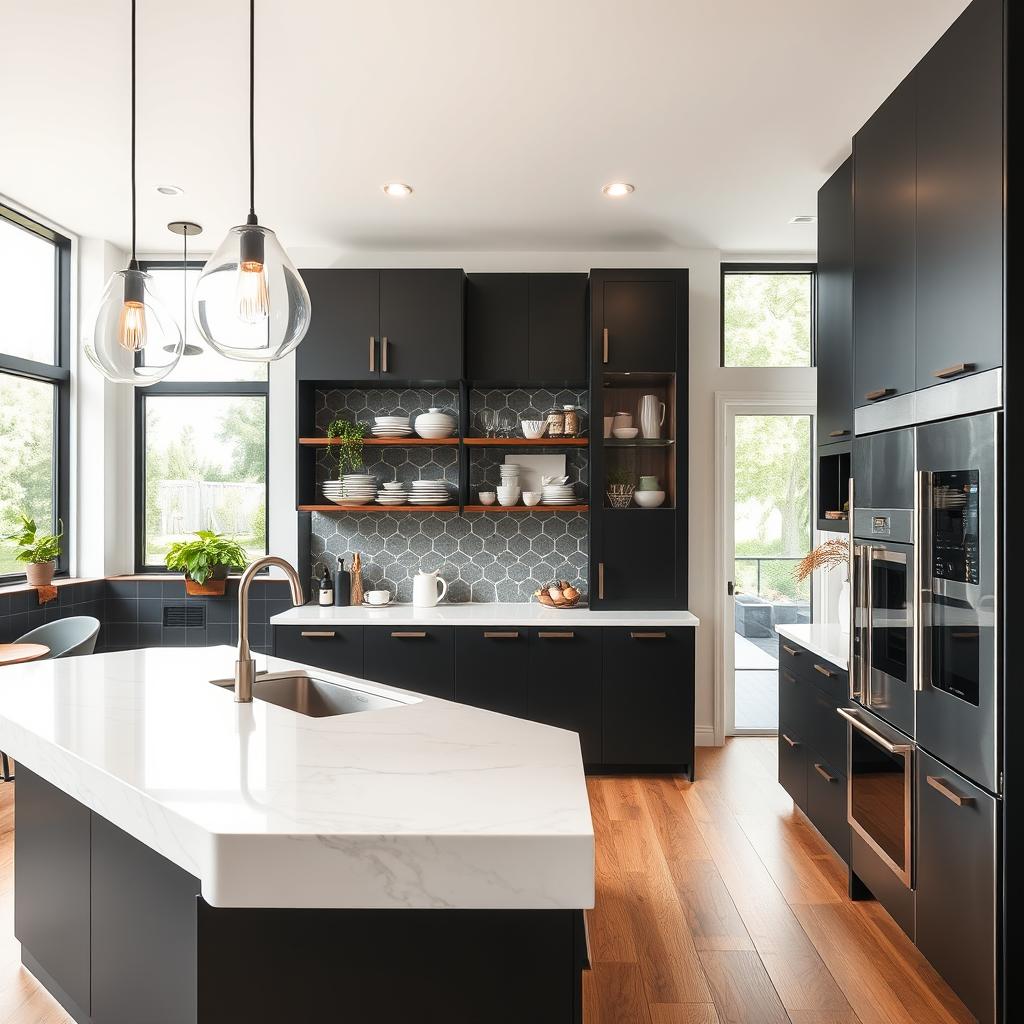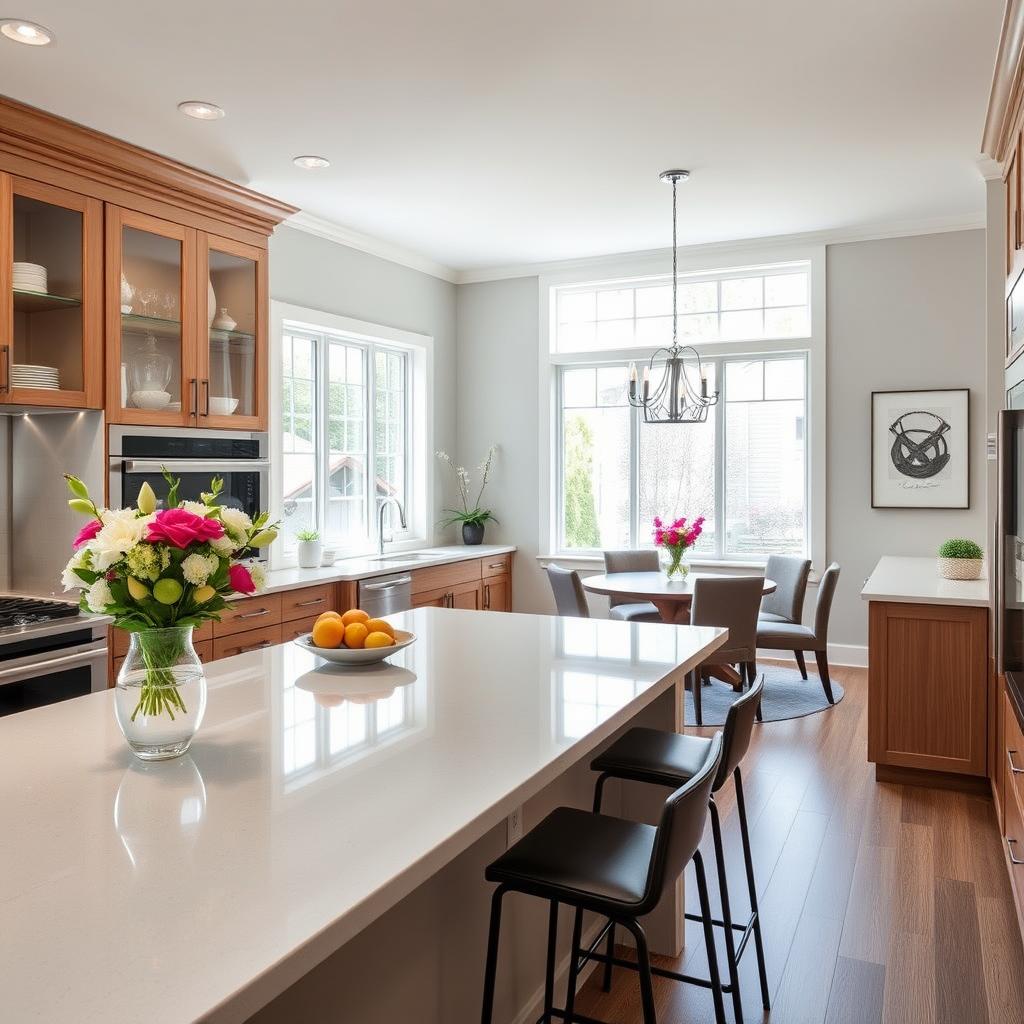
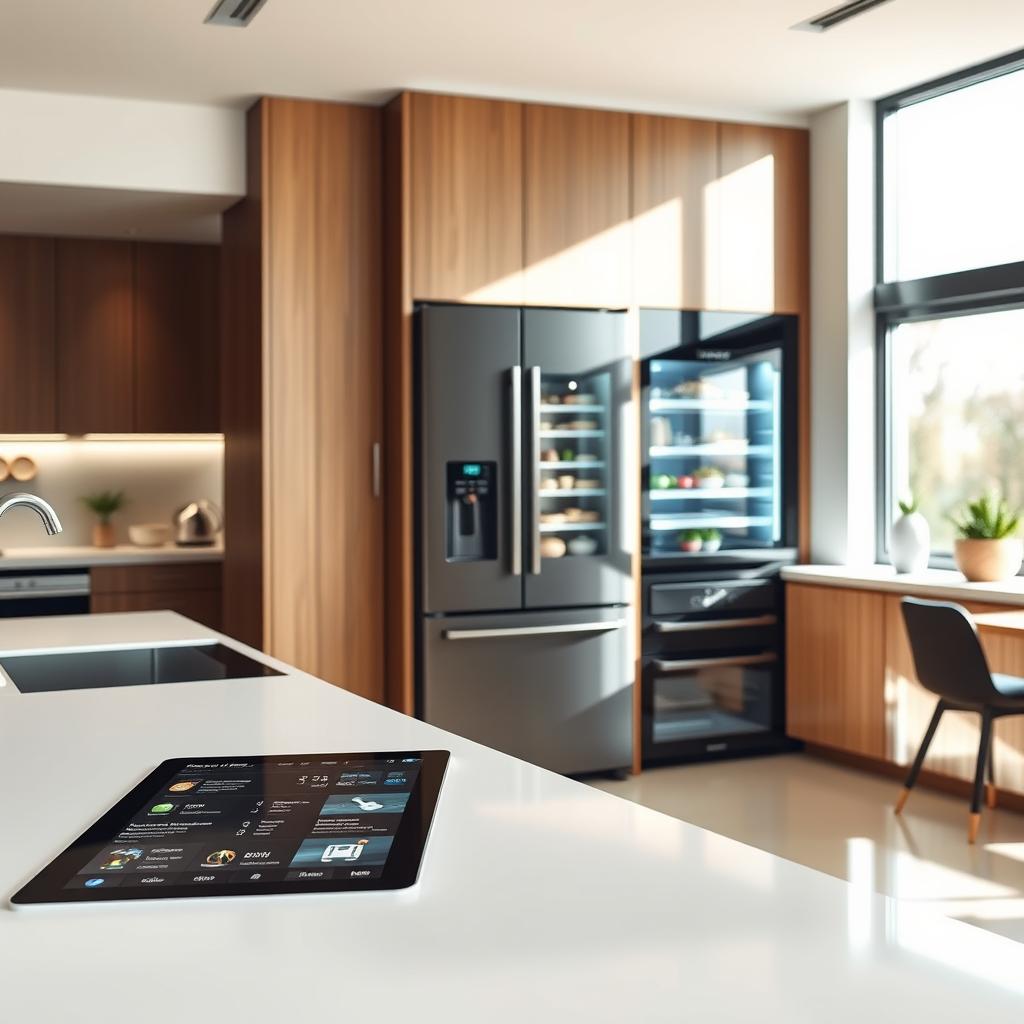
Have you ever wondered if you can get the convenience of a high-tech cooking space without tearing out walls or redoing cabinets?
We show how a modern smart kitchen can be layered onto your current layout so you get real benefits fast. Think remote preheating, guided recipes from refrigerators, and touchless faucets that save water.
Our approach protects your cabinetry, counters, and circulation while adding Wi‑Fi ovens, sensors that manage temperature and energy, and voice assistants that handle timers and lighting.
We outline a phased path that fits your home and needs, with practical example upgrades you can adopt at your pace. For a deeper layout guide, review options at https://zovehomes.com/kitchen/ and see how these appliances and assistants can improve meal prep and storage use.
Key Takeaways
- Layer upgrades onto existing design to avoid major renovation.
- Convenience, safety, and energy savings are primary benefits.
- Start with one oven or a smart refrigerator to get quick wins.
- Use voice assistants and sensors to streamline daily tasks.
- Choose devices that match your storage, ventilation, and budget.
Understand your goals and constraints before you integrate smart kitchen tech
Start by defining goals: what daily tasks should be faster, safer, or less wasteful? We recommend a short planning session to list needs and rank them by impact on time, energy, and food waste.
Begin by naming the biggest pain points: long preheat times, forgotten groceries, inconsistent cooking results, or awkward appliance access. Note fixed constraints such as electrical circuits, plumbing, ventilation, door swings, and clearance so new appliances fit the space.
Map your layout into five functional zones—prep, cook, clean, store, dine—and match upgrades to each zone. That keeps changes focused and preserves your overall kitchen design.
- Clarify priorities: save time on weeknight cooking, cut water use in cleaning, or reduce food waste with better storage.
- Start small: choose one high-ROI device (a refrigerator for inventory visibility or a dishwasher that trims cycles) and scale from there.
- Check compatibility: pick appliances from proven brands and ensure they work together via familiar assistants and apps.
For tailored advice on aligning goals with your current layout, explore our lighting guide and planning resources that help balance form, function, and future upgrades at home.
Plan for compatibility, budget, and ecosystem fit
Pick a control ecosystem first so your appliances, displays, and assistants work together from day one. We recommend choosing Alexa, Google Assistant, or Siri based on the apps and voice commands your household prefers.
Start with reliable brands. Favor appliances from Samsung, Bosch, or Miele to simplify warranty and firmware support. These manufacturers tend to keep apps updated and play well with common platforms.
Roadmap and priorities
Build a phased plan: begin with a smart refrigerator that tracks inventory and suggests recipes or a Wi‑Fi oven that enables remote preheating and precise temperature control. Add lighting, faucets, and dishwashers next to compound daily benefits.
- Select one ecosystem so voice commands and routines are consistent.
- Create a compatibility checklist: Wi‑Fi standards, required hubs, supported assistants, and app features.
- Allocate budget by impact—fridge or oven first, then zones like lighting and cleaning.
- Test a simple routine early (for example: “Good Morning” to preheat ovens and turn on task lights).
For a curated, layout-friendly shortlist and example picks, explore https://zovehomes.com/kitchen/ to match selections with your space and needs as you expand your smart kitchen.
Power, connectivity, and placement: integrating devices with your existing design
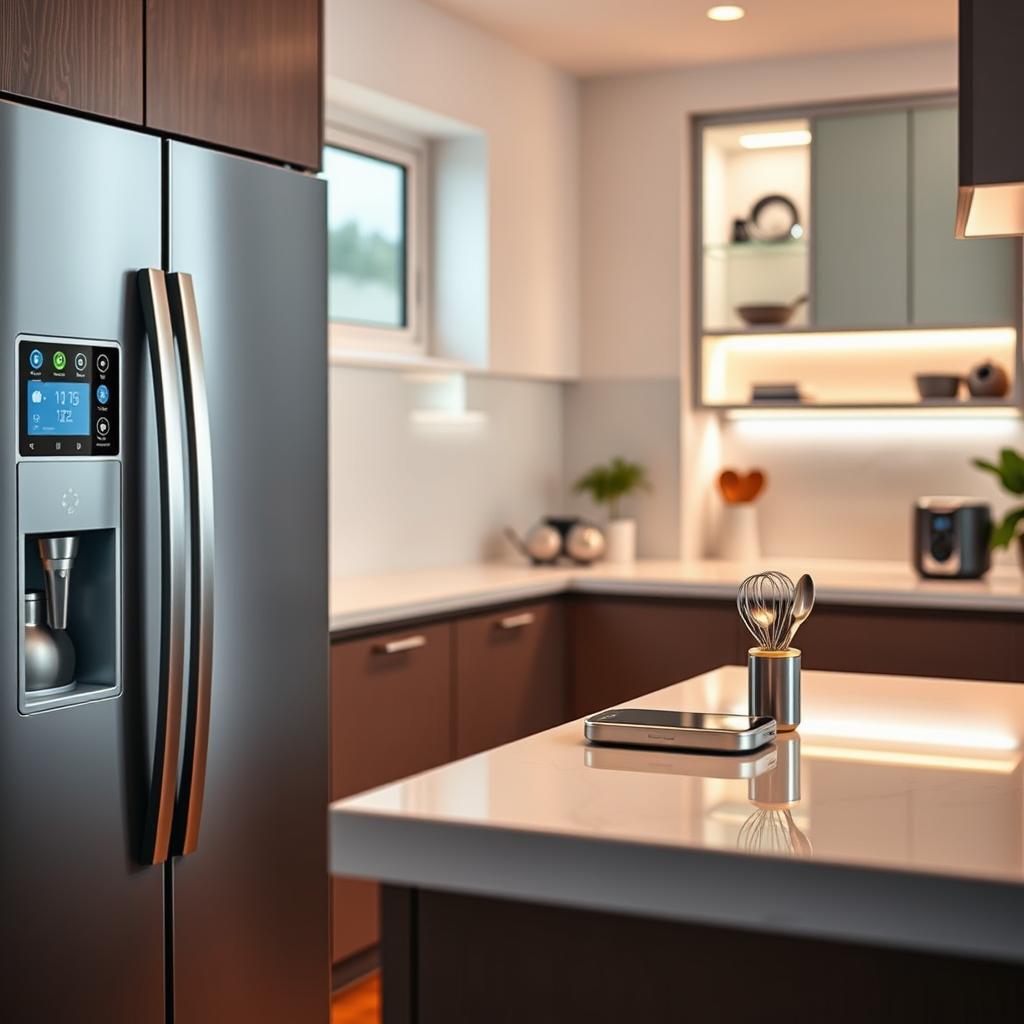
A clean route for power and a dependable network are the backbone of any modern kitchen upgrade. We focus on practical fixes that keep appliances responsive and safe in the spaces you already love.
Wi‑Fi coverage, hubs, and IoT reliability near ovens, refrigerators, and sinks
Start with a Wi‑Fi audit to confirm strong coverage by the oven, refrigerator, and sink. If signals dip, consider a mesh system or a wired access point near key work zones.
Electrical and GFCI considerations around wet areas and major appliances
Verify circuits and amperage for major appliances. Ensure GFCI protection near sinks and confirm dedicated lines for ovens and large refrigerators to protect people and energy use.
Cable management, mounting, and ventilation for ovens and displays
Route cables in raceways and recessed boxes so power supplies are hidden but serviceable. Mount displays at ergonomic heights and well outside splash zones.
- Place hubs away from heat, steam, and metal enclosures to preserve signal quality.
- Respect clearances for oven intakes and exhausts to protect performance and efficiency.
- Test real use—stream a recipe while the oven preheats to confirm reliability.
We document network names and share access with household members so control is simple. See how our team routes power and connectivity cleanly in existing spaces at https://zovehomes.com/kitchen/.
Match smart devices to kitchen zones for everyday efficiency
Organizing devices by function makes everyday cooking faster and less stressful. We recommend mapping your cook, store, clean, and lighting zones so each upgrade delivers clear value.
Cook zone: ovens, induction, and hoods
Adopt a smart oven for remote preheating and precise temperature control. Pair induction with sensors that detect pot size and modulate heat for safer, faster cooking.
Link a range hood to scenes so capture and task lights ramp up automatically when heat rises.
Store zone: refrigerators that track food
Smart refrigerators can track inventory, flag expiry dates, and surface recipes that use what’s on hand. That cuts food waste and simplifies meal planning.
Clean zone: dishwashers and touchless faucets
Choose dishwashers that scale water and energy to the load. Add a touchless faucet for measured fills and hands‑free rinsing to save water and improve hygiene.
Lighting zone: layered LED scenes
Layer LED task and ambient lighting with motion or voice control for safe prep and relaxed dining. Use scenes like “Prep Mode” to tie devices across zones—raise task lights, preheat an oven, and start the hood.
- Choose reliable brands such as Samsung, Bosch, Miele, Sub‑Zero, Wolf, or Thermador for long-term support.
- Keep door swings and pullouts clear so connected devices do not block traffic or reduce prep space.
- Start in the zone that feels most constrained, then expand until each area has the right devices and features.
For zone-by-zone upgrade inspiration that respects your layout, browse zone-by-zone upgrade inspiration.
How to set up, calibrate, and automate routines in a modern kitchen
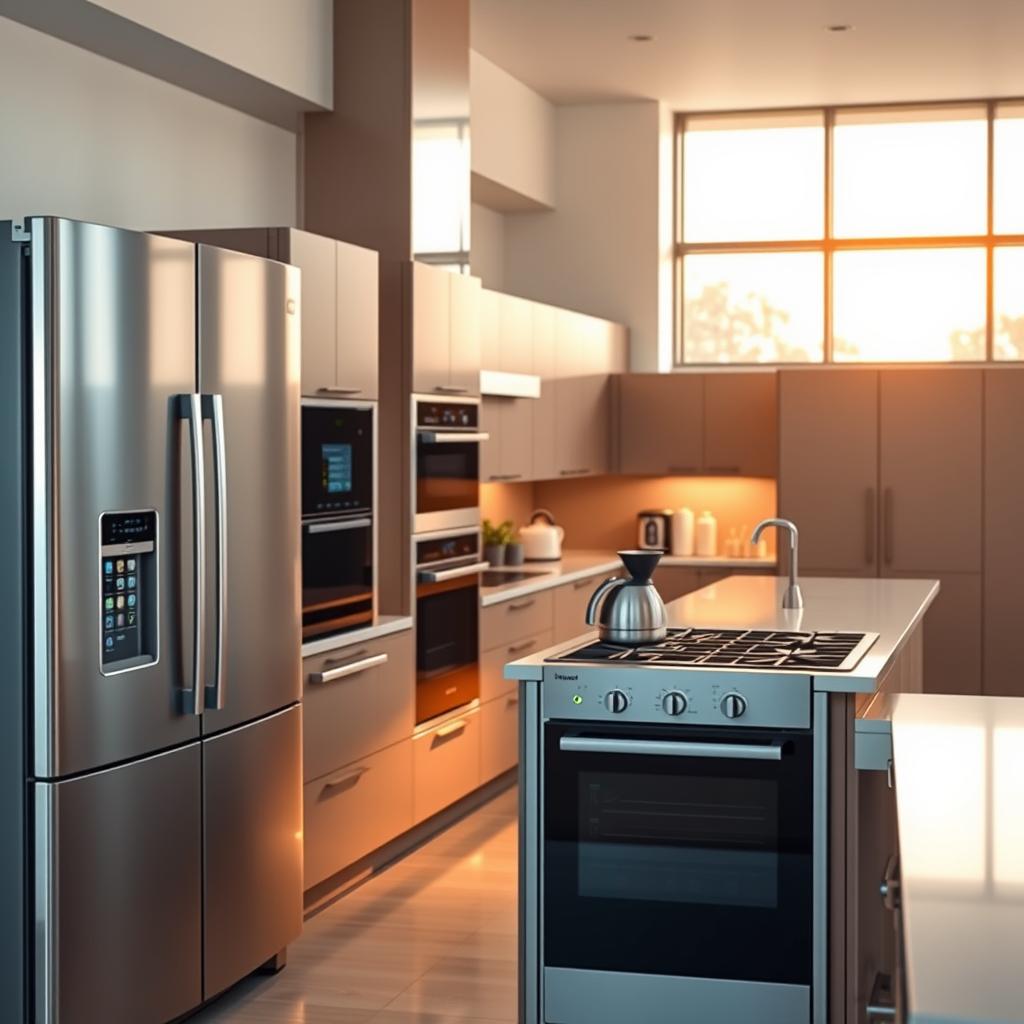
Setting up reliable routines turns connected appliances into a calm, dependable part of daily life. We walk you through the essentials so control feels natural and repeatable.
Connect and configure: apps, permissions, and firmware updates
Begin by adding each device to your secure Wi‑Fi and creating profiles in manufacturer apps. Enable permissions for remote control and notifications so you can monitor status from home or away.
Update firmware during initial setup to access improved settings, security patches, and new features across appliances and devices.
Create voice and app controls: timers, temperature, and cooking modes
Teach assistants simple commands for routine cooking tasks. Use short phrases to set timers, change temperature, or switch cooking modes so you can keep hands on prep.
Standardize names for scenes and devices so everyone in the home runs the same commands without confusion.
Use AI guidance: step-by-step recipes, meal planning, and grocery lists
Enable guided recipes in compatible apps to get step‑by‑step instructions, exact temperature targets, and portion scaling. AI can plan a week of recipes from food already in your fridge and export a grocery list.
Automations that save time: preheat on commute, start dishwasher off-peak
- Schedule ovens to preheat on commute and dishwashers to run during off‑peak hours.
- Calibrate temperature probes, faucet fills, and motion sensors so real use matches expectations.
- Set maintenance reminders for filters and cleaning cycles to prolong appliance life.
When you’re ready to set up your stack, our team can help you configure scenes and automations that fit your routine and save time.
Energy and water wins: features and settings that cut waste today
Efficiency is often a matter of settings and routine. We design an efficiency‑first plan you can apply to the appliances and lighting in your home to reduce both energy and water waste.
Use energy‑saving modes on refrigerators and ovens
Activate vacation and energy‑save profiles on refrigerators and lower standby draw on ovens. Wi‑Fi ovens with targeted heating reduce preheat time and wasted energy, while refrigerators with door‑ajar alerts prevent food spoilage.
LED scenes and occupancy sensors for lights
Program occupancy and daylight sensors so LEDs run only when needed. Layered LED scenes give bright task light for prep and dim ambient light for evenings, saving energy without sacrificing design or comfort.
Touchless faucets and measured fills to reduce water use
Touchless faucets with measured fills cut water during routine tasks like pot fills. Pair those with dishwashers set to eco cycles and off‑peak schedules to trim both water and energy per wash.
- Keep fridge seals clean and enable door alerts to avoid temperature loss.
- Use sensors to modulate hood or induction output for light cooking.
- Track consumption in apps and fine‑tune routines after a week of real use.
As an example, a “Night Mode” scene can dim lights, queue the dishwasher during off‑peak hours, and set the fridge to an energy‑saver profile for easy, measurable gains.
Safety, accessibility, and family-first controls
A family-first approach to controls keeps cooking safe and stress-free. We configure safety-first profiles and family-friendly scenes on projects every day to protect people without slowing routines.
Auto shut-off, alerts, and camera monitoring. Enable auto shut‑off for stoves and ovens and pair them with phone alerts for unsafe temperatures. Place cameras or use built‑in appliance monitoring to receive notifications for unusual activity or refrigerators left open.
Kid-friendly profiles and simplified commands. Create child profiles that limit commands and maximum temperatures. Configure short voice commands—like “Kitchen Off”—so anyone can shut down scenes, lights, and select devices quickly.
- Use motion lighting in pathways and task areas to prevent slips.
- Keep critical controls reachable and displays away from hot zones.
- Add audible or haptic alerts for timers and cycle completions.
- Ask assistants to set reminders for filter changes and maintenance.
Balance safety with convenience. Document a simple command list, label scenes clearly, and test routines so the whole family can control the home confidently. For setup guidance and examples, see our layout notes at Zove Homes kitchen and lighting options at bathroom lighting. For countertop-level integration details, visit countertop guide.
Conclusion
A phased approach lets you gain benefits today and expand later with confidence. You don’t need a full remodel to make a modern kitchen feel more capable; start with one well‑chosen appliance such as a refrigerator or a Wi‑Fi oven to get quick results.
We recommend picking an ecosystem first so appliances and controls play well together. Focus on efficiency: guided recipes, remote preheating, measured fills, and LED scenes cut waste while improving everyday cooking and storage.
Keep changes small to protect space and circulation. For layout-friendly picks and concierge setup, see our layout-friendly picks and let us help you plan a design-forward path that proves value in real life.