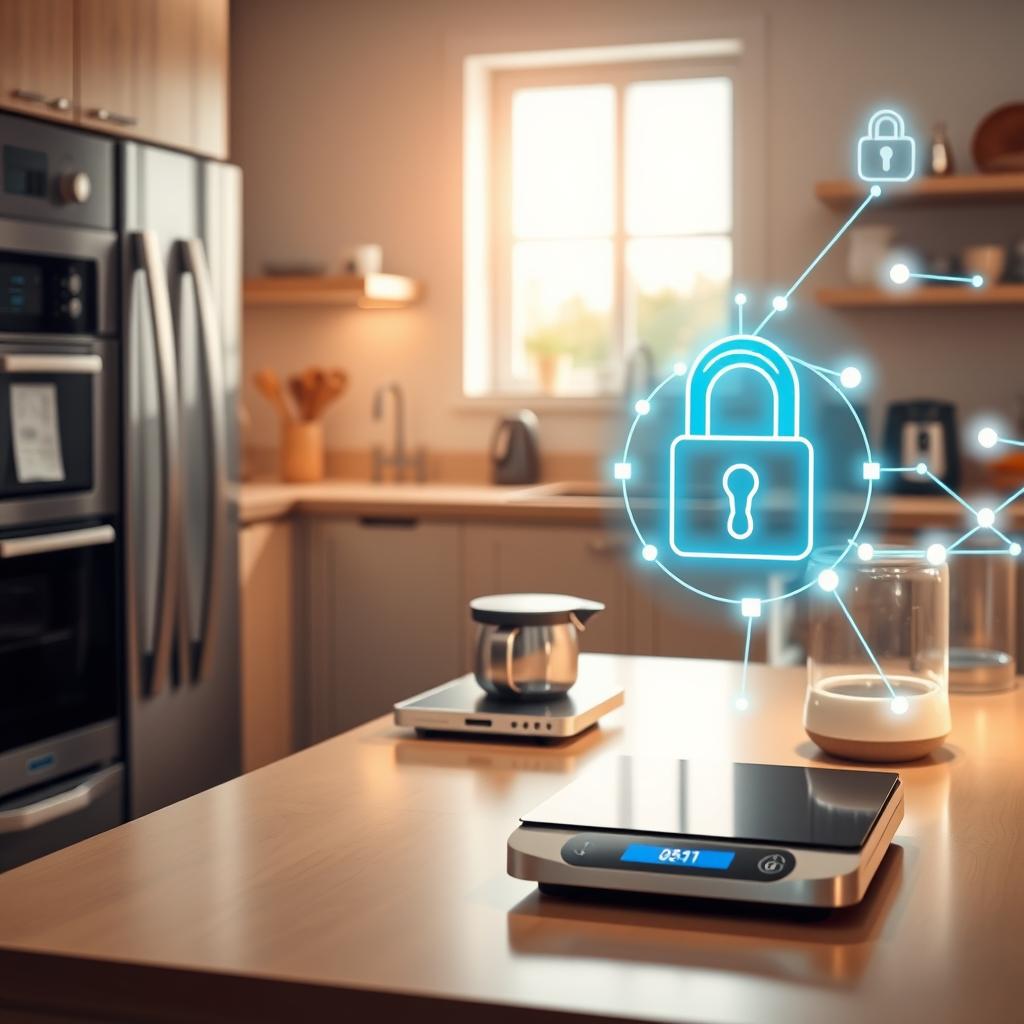
How safe is the hub of your home when an appliance can stream shows, reorder groceries, or share data across your network?
We set the scene: these connected products add convenience but also increase exposure. Many manufacturers still treat updates as optional, and defaults can leave information visible on a local network.
As designers and advisors, we focus on practical steps that protect your family without ruining the look or flow of a renovation. We will define terms like firmware, segmentation, and local discovery so you can decide with confidence.
Follow our guide alongside design inspiration at our kitchen hub, and explore related lighting strategies for bathrooms at bathroom lighting systems.
Key Takeaways
- Connected appliances add real convenience but also new network risks.
- We recommend simple, design-friendly steps to reduce exposure.
- Look for products with clear firmware update policies and safe defaults.
- Segmentation and minimal connections cut unnecessary risk quickly.
- Our approach fits busy lives and aligns with modern kitchen planning timelines.
Why kitchen smart device cybersecurity matters right now
Many household appliances now talk to the internet, and that constant connection changes the security picture for homeowners. The space where families gather is also a live endpoint on your home network, so everyday convenience can increase exposure.
Security maturity varies across manufacturers and companies. Few brands promise long-term updates, and some treat protection as optional. The UK’s push for mandatory update transparency and tougher reporting rules — with heavy fines — signals rising expectations that will affect buyers and users worldwide.
Practical risk matters: unsecured connectivity can last for years, affecting reliability and safety during busy routines. Early setup choices and predictable maintenance cut disruption and protect data and daily use.
- Fewer open pathways on your network reduces attack surface.
- Clear update policies from manufacturers make devices easier to maintain.
- Coordinate selections in our kitchen planning hub to align layout and wiring with a security-first approach.
If you want related guidance on lighting or guest spaces, see our bathroom tech. We’ll help you keep features you value while tightening what matters most in a modern smart home.
Risk landscape in the modern kitchen: vulnerabilities, data exposure, and real-world implications
https://www.youtube.com/watch?v=puikqjv8fFw
Local discovery protocols like UPnP and mDNS quietly broadcast identifiers across your home network. An IMC ’23 study of 93 IoT devices found names, UUIDs, MACs, and even rough geolocation can be exposed. When combined, those identifiers make a household profile that is unusually unique.
Why this matters: apps and companies can use these side channels to infer information without asking for permissions. That means an app lacking location access might still learn where you live by querying other devices on the same network.
Practical impacts grow where multiple devices cluster. Over years of ownership, more gear equals more surface area for attacks and passive profiling. Consumer reports show many appliances receive limited software support, so exposure can persist long after purchase.
- Local leaks let apps map devices and household context.
- Media-enabled appliances need DRM and watermarking to prevent content abuse.
- Strong on‑device isolation (TEE with EAL5+) reduces risk for sensitive operations.
We’ll follow this with clear steps to tighten discovery, segment network traffic, and choose better‑architected appliances. For practical next steps, visit our main kitchen page to align design and protection.
How to harden your smart kitchen devices today
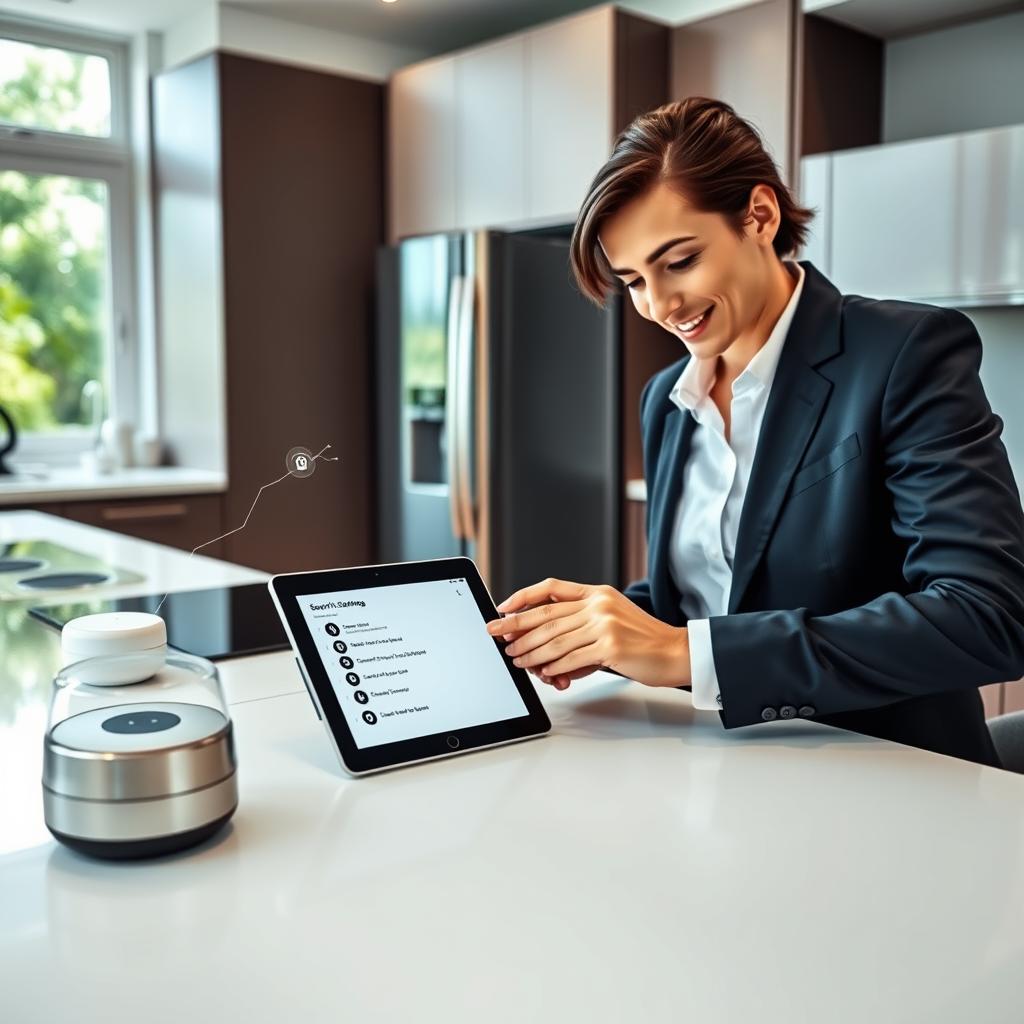
Simple, design-friendly steps let you keep features you love while closing obvious access paths. We offer a concise playbook you can adopt during a remodel or as a quick refresh.
Account hygiene first. Change default passwords immediately, store credentials in a manager, and enable MFA where available to limit easy access.
Reduce data collection. Review app permissions and disable microphones or cameras when you don’t need them. Link only the cloud services you actively use and check permissions quarterly.
Keep software current. Schedule a monthly firmware and software check. If an appliance is no longer supported, isolate or retire it to avoid lingering risk.
- Turn off unused radios—Wi‑Fi, Bluetooth, or always‑listening modes—especially if controls are hidden.
- Segment sign‑ins per household member to improve accountability and limit admin access.
- Label outlets or switches so you can cut power during troubleshooting without disrupting the rest of the room.
These low-friction actions improve overall security while keeping design intact. For guidance on integrating them into a remodel, visit our kitchen hub and review our privacy policy for data handling best practices.
Secure your home network for smart home devices
Start by treating the home network as the front door to your connected gear — lock it down before you add anything new. We recommend a simple, installer-friendly layout that contains risk without blocking useful features.
Segment IoT on a guest/VLAN network and limit device-to-device access
Place all IoT and appliance endpoints on a dedicated guest SSID or VLAN. Keep laptops and phones on a primary network so daily work and leisure remain separate.
Disable device‑to‑device access on the IoT segment. Allow only the controller app or hub to reach those units to reduce lateral vulnerabilities and limit exposure.
Tighten discovery: constrain UPnP, mDNS, and remote access
Restrict UPnP port mappings at the router and block mDNS across segments. The IMC ’23 analysis shows these protocols can leak identifiers and household geolocation, letting apps glean information without explicit permission.
- Per‑device DNS filtering and blocking known tracking domains curbs silent data exfiltration.
- Allow outbound internet for firmware updates but block unnecessary inbound access and risky cloud relays.
- Enable router logging and alerts so you can spot unusual spikes from a specific appliance over years and act fast.
- Small wins: rename SSIDs, use WPA3 where available, and disable WPS to improve hygiene quickly.
Request this setup from your installer or ISP, or coordinate with us during planning at our kitchen planning page. These steps cut information leaks, tighten access, and make the network easier to manage for homeowners and companies alike.
Choosing safer appliances and smart products

When you buy connected appliances, the brand’s update promises matter as much as the finish and fit. We help you shortlist manufacturers and models that offer clear lifecycles, public vulnerability processes, and thoughtful security design.
What to evaluate before you buy
Update policy: Verify how many years of software and security updates a manufacturer guarantees in writing. Prioritize products with a clear end‑of‑support date.
Transparency: Choose companies that publish a vulnerability reporting process and post responses publicly. That shows the company treats security seriously.
- Architecture claims: Look for hardware isolation like TEE with credible EAL5+ evaluation to protect keys and payments.
- Media safety: Confirm DRM and watermarking support for streaming features to avoid content breakage and legal risk.
- Offline behavior: Prefer appliances that degrade gracefully when cloud services are unavailable.
- Controls: Visible radio toggles and local mic/camera disables let you limit data collection without losing core function.
We also recommend signed over‑the‑air updates and transparent changelogs so you can trust ongoing maintenance. If you want help aligning selections with cabinetry, power, and network plans, plan with us at https://zovehomes.com/kitchen/ for secure, cohesive installation.
kitchen smart device cybersecurity best practices checklist
We offer a printable, room‑ready checklist to make protection part of your remodel. Keep it with plans so installers and owners follow the same steps.
- Create a dedicated IoT network for kitchen appliances and smart devices. Block device‑to‑device talk and allow only your controller app or hub to reach them.
- Change default passwords, enable MFA, and store credentials securely. Limit admin roles to as few home members as needed.
- Audit app permissions quarterly. Disable microphones or cameras where possible and remove unneeded location or contact access.
- Schedule monthly firmware checks. If an appliance stops receiving updates, isolate it or plan replacement.
- Turn off unused radios and cloud features. If you do not use a feature, disable it so information is not broadcast over your home network.
- Verify manufacturers’ update commitments and reporting processes before purchase. Favor appliances with clear lifecycles and signed updates.
- Constrain UPnP and mDNS across segments to reduce leakage of device information. Avoid universal remote access unless necessary.
- Label outlets and map your network. Keep a quick‑start binder with model numbers, support links, and update steps for easy maintenance.
Need help implementing this during a remodel? Coordinate with us at https://zovehomes.com/kitchen/ to align layout, power, and network work with these best practices.
Conclusion
A clear, layered approach keeps your home safe while preserving style and function.
We recommend three basics: secure configurations, segmented networks, and careful product selection. These steps give lasting protection for consumers without changing how a room looks or works.
Choose manufacturers that commit to years of software and security updates and favor on‑device isolation where available. Limit exposure to the internet, control local discovery, and monitor traffic so home devices act the way you expect.
No single step stops every attack, but stacking controls cuts risk for every user. If you want practical guidance, review smart device basics at smart device basics and plan your secure setup with us at https://zovehomes.com/kitchen/.