
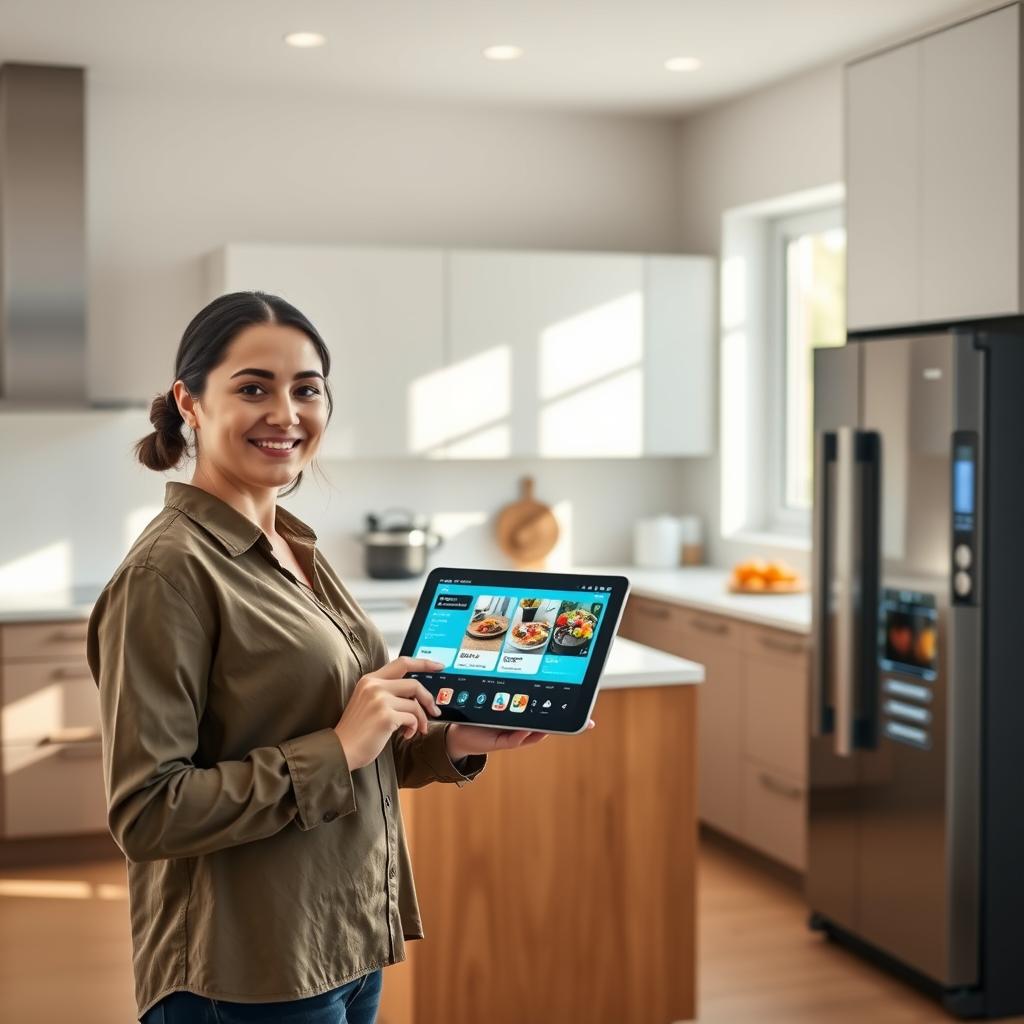
Have you ever wondered which tool will actually cut prep time and stop food waste in its tracks?
We test how a single app can sync meal flow, pantry zones, and grocery lists so your home feels calm and organized. BigOven and Paprika still lead for recipe storage, while SuperCook, Cooklist, Crumb, FoodShiner, and Tasty add AI suggestions, inventory sync, and step-by-step video help.
In this guide we link software choices to physical layout tips from our design hub and to practical kitchen design ideas. Expect clear criteria on usability, privacy, offline access, and grocery automation so you pick the right app for your devices and habits.
Key Takeaways
- Unified grocery lists beat sticky notes by cutting duplicate buys and waste.
- Look for a dependable recipe clipper and offline access to keep planning on track.
- Top apps pair pantry tracking with meal planning to save time and reduce food waste.
- We match software picks to layout and storage zones for a cohesive home workflow.
- AI helps suggest recipes you’ll cook, but choose tools that let you stay in control.
Cook Smarter Today: What You’ll Learn and How to Get Started
Begin with three core elements and watch your meal planning become faster and calmer. We’ll walk you step by step so you can import favorite recipes, enable a recipe clipper, and auto-build a grocery list that saves time on your first run.
Why this works: a clean app workflow replaces scattered notes and paper lists. One tap turns recipe cards into aisle-sorted lists and cuts shopping detours. Offline access and a robust clipper are the features you’ll rely on weekly.
Quick roadmap to start
- Import 3–5 trusted recipes and enable the clipper to gather new ones fast.
- Build an aisle-sorted grocery list to streamline shopping and share it across devices.
- Use pantry tracking and label leftovers to fight food waste and keep storage orderly.
- Turn on step-by-step cooking view and integrated timers to reduce context switching.
We’ll also show how meal planning fits into daily life and link to layouts that match your digital workflow. If you want an out-of-the-box setup, see our kitchen resource center at zovehomes kitchen or try a focused tool like Just The Recipe — Cook Smarter to get started quickly.
How to Choose the Best Smart Kitchen Apps for Your Needs

Picking an app that matches your routine saves time and cuts food waste every week.
Start by prioritizing essentials. A one-click recipe clipper, reliable offline access, and aisle-sorted grocery lists are non-negotiable for smooth meal planning and shopping trips.
Look next at waste reduction and automation. Choose tools with barcode or receipt scanning, expiration reminders, and simple pantry inventory tracking to use ingredients before they spoil. AI features that adapt to what’s in your fridge can shrink prep and shopping time.
- Must-have features: accurate recipe clipper, offline mode, and aisle-sorted lists to speed trips to the store.
- Waste fighters: inventory and tracking tools with barcode scanning and expiration alerts.
- AI & personalization: adaptive meal plans and automatic list updates based on your habits.
- Practical checks: transparent pricing and privacy, cross-device sync, and shared list support for other users.
We recommend testing an option for a week to see if it fits your needs. For device placement, outlet planning, and storage tips that support the software you choose, visit https://zovehomes.com/kitchen/.
The Best Smart Kitchen Apps: Editor-Backed Picks and What They’re Best For
This roundup connects specific user needs to apps that excel at pantry tracking, clipping, or video-led cooking. Below we summarize who each tool helps and the real-world benefits you can expect.
-
SuperCook — reduce food waste with ingredient-based recipes
Why it helps: enter on-hand items and SuperCook generates recipe ideas to use them up. It’s free, highly rated (4.8/5, 20K), and saves money by cutting unnecessary buys.
-
Crumb — AI personalization and pantry-aware suggestions
Why it helps: Crumb adapts to your tastes and pantry. Voice search speeds hands-busy cooking. Core features require a subscription but offer tailored meal suggestions.
-
Cooklist — real-time inventory tracking and grocery integration
Why it helps: sync loyalty accounts, auto-import purchases, and track items in real time. Ideal for users who want inventory-first planning and seamless grocery replenishment.
-
BigOven — organization, customization, and long-term recipe management
Why it helps: upload family recipes, customize instructions, and use smartwatch timers. Pro plans add advanced planner and list features for committed home chefs.
-
FoodShiner — expiration tracking and spoilage prevention
Why it helps: barcode scanning and reminders focus on reducing spoilage. It’s free and built for practical tracking, though sharing is limited.
-
Tasty — visual step-by-step cooking for beginners
Why it helps: editor-vetted videos and simple steps make cooking approachable. Great for visual learners who want clear guidance and fast results.
-
Paprika — robust clipping, meal planning, and list-building
Why it helps: dependable clipping and a strong planner convert multiple recipes into a single, aisle-ready list. Paid but reliable for long-term organization.
Quick tip: if you shop the same store often, pick a tool with grocery store or loyalty integrations to cut repeat buys and speed restocking. For layout and outlet planning that match these workflows, see our kitchen hub at https://zovehomes.com/kitchen/.
Match the Right App to Your Cooking Style and Household
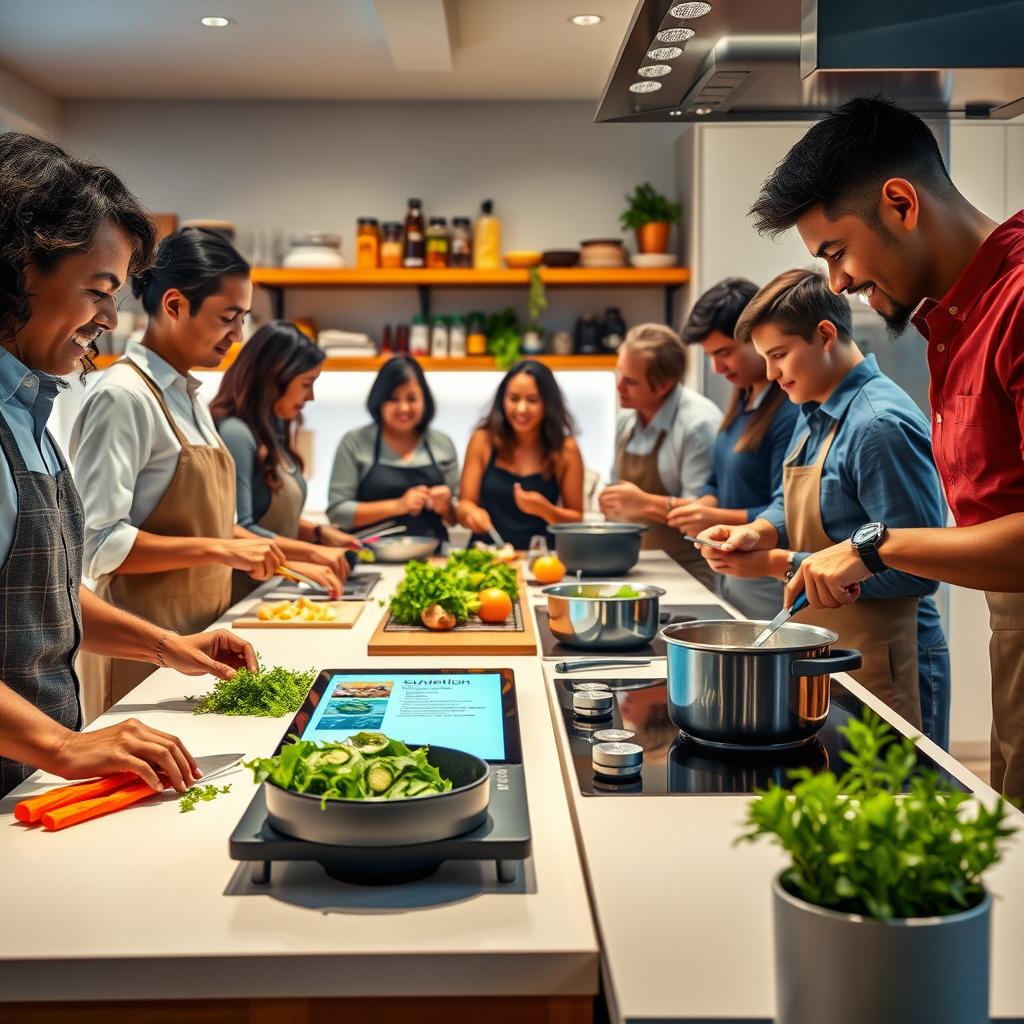
Match an app to how your household actually cooks to save time and reduce stress. We’ll help you pick the right app for your routine and point to small design moves—like a command center or island outlet—that support daily planning and storage.
Busy parents
One-tap planners, shared lists, and kid-friendly filters cut evening chaos. Choose tools that turn a weekly plan into aisle-sorted grocery lists to save time and avoid repeat trips.
Beginner cooks
Video tutorials and step-by-step modes build confidence. Look for clear sequencing, vetted recipes, and guided timers so new cooks can follow along without stress.
Health-focused eaters
Prioritize nutritional data, dietary filters, and smart substitutions. These features help you keep meals aligned to goals while adapting ingredients for allergies or preferences.
Dedicated meal preppers
Batch scaling, a weekly calendar view, and consolidated prep tasks speed up Sunday work. Pick an app with inventory tracking if you want real-time counts and fewer shopping surprises.
- Match features to needs: tracking for inventory-first users, discovery for recipe hunters.
- Design for function: device stands, island charging, and labeled storage keep planning in reach.
- Test two options side-by-side for a week and keep the one that saves you the most time.
Save Money and Time: Practical Tips for Grocery Lists, Storage, and Planning
Streamlined grocery planning can shave hours off your week and put money back in your pocket. We share small habits that make shopping and storage more reliable, and link these tips to space planning and cabinetry choices you can use today.
Build grocery lists from meal plans and auto-sort by store aisle
Create one list from the week’s meals so you shop with purpose. Tools like Paprika and BigOven convert planners into aisle-sorted grocery lists to cut in-store time.
Keep a shared list with pinned staples and save store templates if you visit more than one grocery store.
Use pantry and expiration tracking to rotate ingredients and cut food waste
Log pantry items and enable reminders. FoodShiner adds expiration alerts while Cooklist can automate inventory from connected stores.
- Batch-enter items after a big shop using barcode scans or receipt import to keep inventory accurate.
- Adopt FIFO with clear bins, labels, and dated containers to prevent duplicate buys.
- Spend 15 minutes weekly moving soon-to-expire items into near-term meals; this reduces food waste and saves money.
- Prep once for multiple meals, freeze extras in flat labeled bags, and use hands-free timers and stands to keep instructions visible while cooking.
For cabinetry, labeling, and appliance layout that support this workflow, see our guidance on cabinetry and storage planning. A small design tweak often makes list-based planning and inventory tracking far more effective.
Conclusion
Close the loop on meal planning by pairing a dependable list-builder with a targeted tracking tool. This simple combo cuts prep time and keeps food on your counter from becoming waste.
Start small: pick one app that nails recipes and list management, then add a second for inventory or discovery. Align features to real habits, give it a few weeks, and tune notifications and categories quarterly.
We’ll help you match options to your layout and routine. For layout tips and outlet planning, explore our kitchen layout ideas and start designing your smarter kitchen now. Take one app, plan three meals, build one list, and cook one new dish—momentum grows from simple steps.