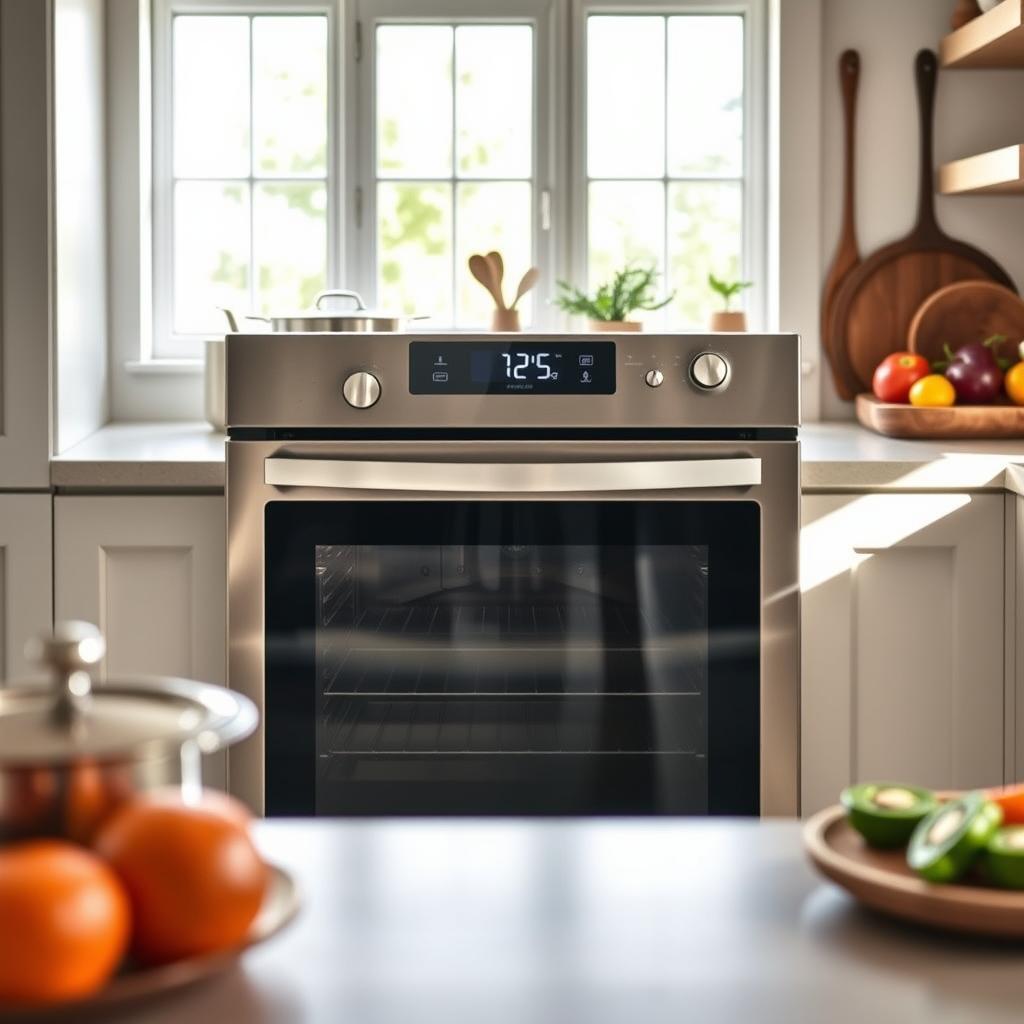
I still remember the first time a smart range gave me extra time before guests arrived. I was juggling a roast, a salad, and a last-minute call. From my phone I preheated, adjusted the settings, and relaxed. That calm feeling is exactly why many homeowners choose modern appliances today.
We guide you through what defines this category: bold design paired with precise digital technology. Brands like GE Appliances, Bosch, Thermador, and others let you preheat remotely, monitor progress, and use guided recipes. GE’s SmartHQ even streams a live in-unit camera. Thermador pairs with Apple and Android watches, and Bosch offers humidity sensors and remote diagnostics via Home Connect.
Explore our collection at https://zovehomes.com/kitchen/ to compare models and get expert guidance. We focus on real outcomes: faster start-up, accurate results, and better confidence when hosting. Expect advice on capacity, finishes, setup, and ongoing maintenance so your investment performs at the top of its class.
Key Takeaways
- Smart ranges blend design and precise control for simpler meal prep.
- Major platforms—Home Connect and SmartHQ—deliver reliable app experiences.
- Look for remote control, guided recipes, sensors, and live video features.
- Integration unlocks ongoing software improvements and proactive support.
- We provide curated model comparisons and service guidance to match your home.
Meet the future of cooking: smart ovens and ranges for a connected kitchen
Imagine starting dinner on your commute and adjusting temperatures from a single app. Today’s smart ranges and wall models put precision cooking and effortless control in your hand. You can begin a remote preheat, tweak settings, and update a timer in seconds.
From remote preheat to real-time monitoring, control it all from your phone
Platforms like SmartHQ enable temperature, timer, and live in-cavity camera checks so you can watch browning without opening the door. Home Connect sends alerts, delivers recipes, and gives status updates straight to the same app.
- Save time: start preheat on the go and finish dinner faster.
- Reduce guesswork: visual monitoring and precise timers improve results.
- Future-ready: software updates add new features over the product life.
Ready to compare finishes, capacities, and install styles? Begin your search and shortlist models at https://zovehomes.com/kitchen/ to find appliances that match your home and meal routines.
Core smart features that elevate every meal
We’ve seen how digital tools simplify busy weeknight dinners and weekend roasts. Small, well-designed features let you focus on flavor while the appliance handles timing and precision.
Remote preheat, temperature control, and timers via the app
Remote preheat stages the oven from your phone so your pan goes in at the right moment. Temperature and timer adjustments through the app give instant, reliable control for delicate bakes and high-heat roasts.
Send chef-tested recipes and automatic settings
Guided recipes push exact settings—mode, temperature, and duration—straight to the appliance. That reduces guesswork and helps achieve consistent results across brands that support Home Connect or SmartHQ.
Hands-free voice control with Google Assistant and Alexa
Voice commands let you start, stop, or tweak the program when your hands are full. Alerts also arrive on Apple Watch and Android Watch so you won’t miss a critical step.
- Fast start: stage the oven, shorten time to plate.
- Even results: many models optimize air circulation and heat modes automatically.
- Try and compare: click through to our main category page to compare models with these capabilities.
Wi-Fi connected oven kitchen
Choosing the right form factor early saves time and ensures a seamless install.
We outline the core formats so you can match function with design. GE offers models across built-in single and double wall ovens, plus slide-in and freestanding ranges that suit many layouts.
Wall solutions deliver a clean, integrated look with easier ergonomic access. Ranges combine cooktop and oven in one footprint for a compact plan.
- Plan for capacity: double ovens give two parallel cooking zones for holidays and big dinners.
- Fit and finish: check trim kits, cabinet openings, and handle styles before you buy.
- Placement flexibility: slide-in models look built-in while freestanding units let you place the range where you need it.
Each format supports smart features, so you don’t trade style for functionality. When you’re ready, view layout options and compare models on our kitchen layout ideas page to pick the best match for your space.
App-powered cooking: Home Connect and SmartHQ at work
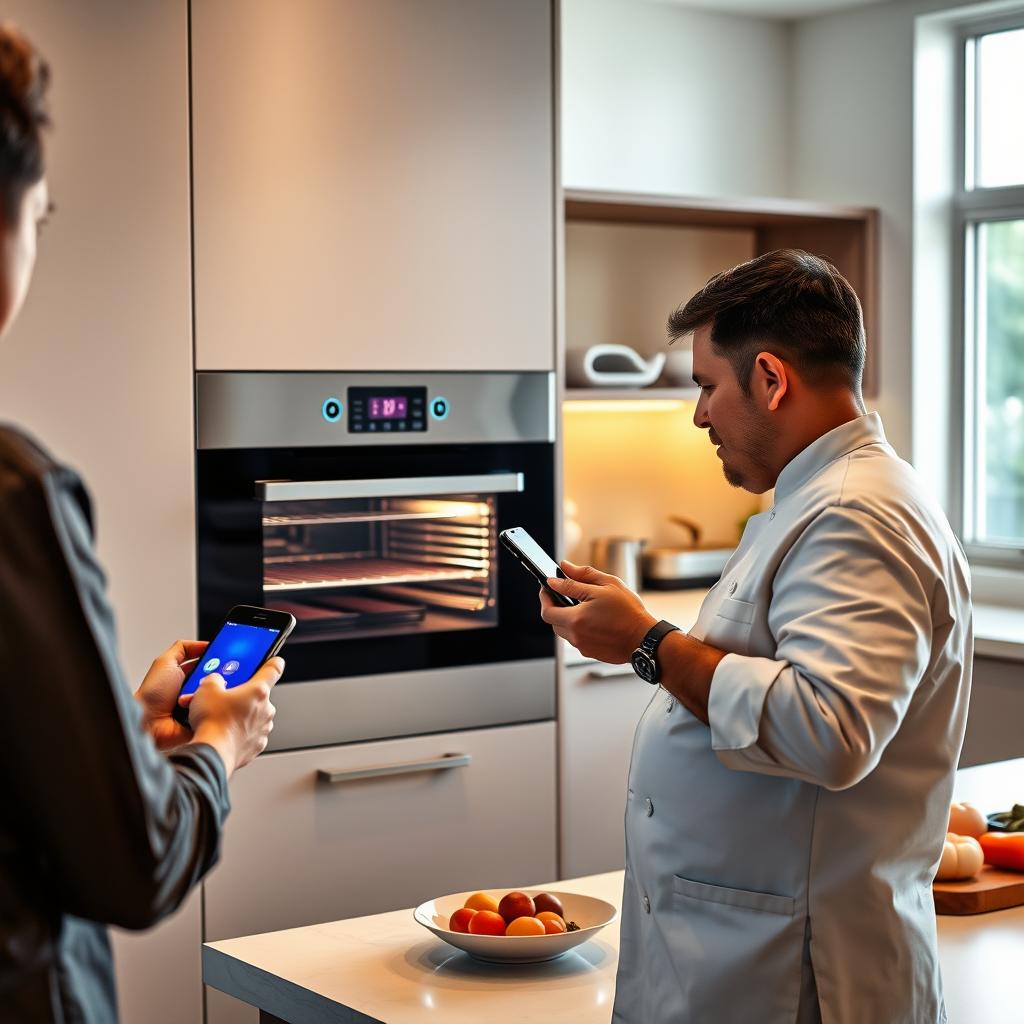
A well-designed app makes scheduling, monitoring, and adjusting a breeze while you move about the house. These platforms pair software with hardware to save you time and reduce guesswork.
Home Connect app: monitor status, adjust settings, and get notifications
Home Connect centralizes control for compatible models. You can start a remote preheat, change temperature, and send recipe presets straight to the unit.
Notifications keep you updated so side dishes finish on schedule. Multiple devices in the household can view status or lend a hand.
SmartHQ app: live in-oven camera, guided cooking, and software updates
SmartHQ adds a live in‑oven camera and GE Profile Connect+ updates that extend capabilities over time via wifi. Guided cooking and downloadable features keep your appliance current.
Apple Watch and Android Watch notifications on your wrist
Push alerts to Apple Watch and Android Watch put timers and status cues where you’ll see them. That hands-free feedback is useful when you step away from the stove or mingle with guests.
- Compare ecosystems: choose the platform that best fits your smart-home partners and routines.
- Real-time updates: reduce downtime and time-orchestrate side dishes with confidence.
- Multiple users: both platforms support household devices so anyone can check progress.
Assess which ecosystem suits your home and see compatible models at zovehomes.com/kitchen/.
Precision results with sensors and guided recipes
Sensors and guided cooking have turned guesswork into reliable outcomes for home chefs.
Bosch’s PerfectBake humidity sensor and built-in core temperature probes adjust heat and timing as food reaches doneness. That means fewer open-door checks and steadier results.
Home Connect’s Oven Assistant pairs with the app to recommend the ideal mode, temperature, and duration for the dish you select. Guided recipes send those steps straight to the appliance so advanced techniques feel approachable.
Sensor feedback works with precise control over air and heat flow. The system keeps roasts juicy, pastries light, and breads evenly browned without constant tweaks.
- Automatic sensing: humidity and core probes monitor both environment and food.
- Consistent results: sensors reduce retries for breads, cakes, and roasts.
- Smart guidance: recipes and Oven Assist match programs to dishes and show nutrition tips for meal planning.
We recommend models with these capabilities when you want restaurant-level results at home and fewer last-minute fixes at dinnertime.
Control your way: phone, voice, and wearables
Pick the control mix that matches how you live and cook each day. We help you weigh options so the control methods become practical parts of your routine.
Use quick voice commands to start or stop a cycle, change temperature, or switch modes while you prep or clean. Thermador and Home Connect support Google Assistant and Amazon Alexa for simple hands-free operation.
On-the-go access from multiple devices
Keep tabs from your phone or tablet and share access with family members who help in the home. Apple Watch and Android Watch deliver timely notifications so you won’t miss readiness alerts when you step away.
- Quick commands: start, stop, or change modes with a short phrase.
- Shared control: multiple devices can operate the same app-linked appliance for team cooking.
- Cloud reach: platforms let you connect and manage settings at home or away.
- Setup help: we explain basics so voice and app control feel natural fast.
Choose the combination—voice, wearable, phone—that fits your day-to-day. That small planning step makes smart controls feel seamless and genuinely useful.
Live view and alerts: see your dishes without opening the door
Live video brings the reassurance of a chef’s eye without losing heat or time. We rely on in-cavity streaming to verify browning and rise while preserving steady air and temperature inside the chamber.
In-oven live-streaming camera visibility through the app
GE’s SmartHQ enables a live stream you access from the app. That view helps you confirm progress and adjust settings mid-cycle when needed.
Push notifications when your meal or program is done
Push alerts flag stage changes and completion so you can coordinate sides and plating. The result: less overcooking and better timing for the whole meal.
- Visual checks: verify browning without opening the door.
- Stay on schedule: alerts save you time when finishing dishes.
- Performance win: fewer interruptions preserves stable air and improves final oven results.
- Quick setup: we show how to enable the stream in the app and use it discreetly.
Connectivity and partners that fit your smart home
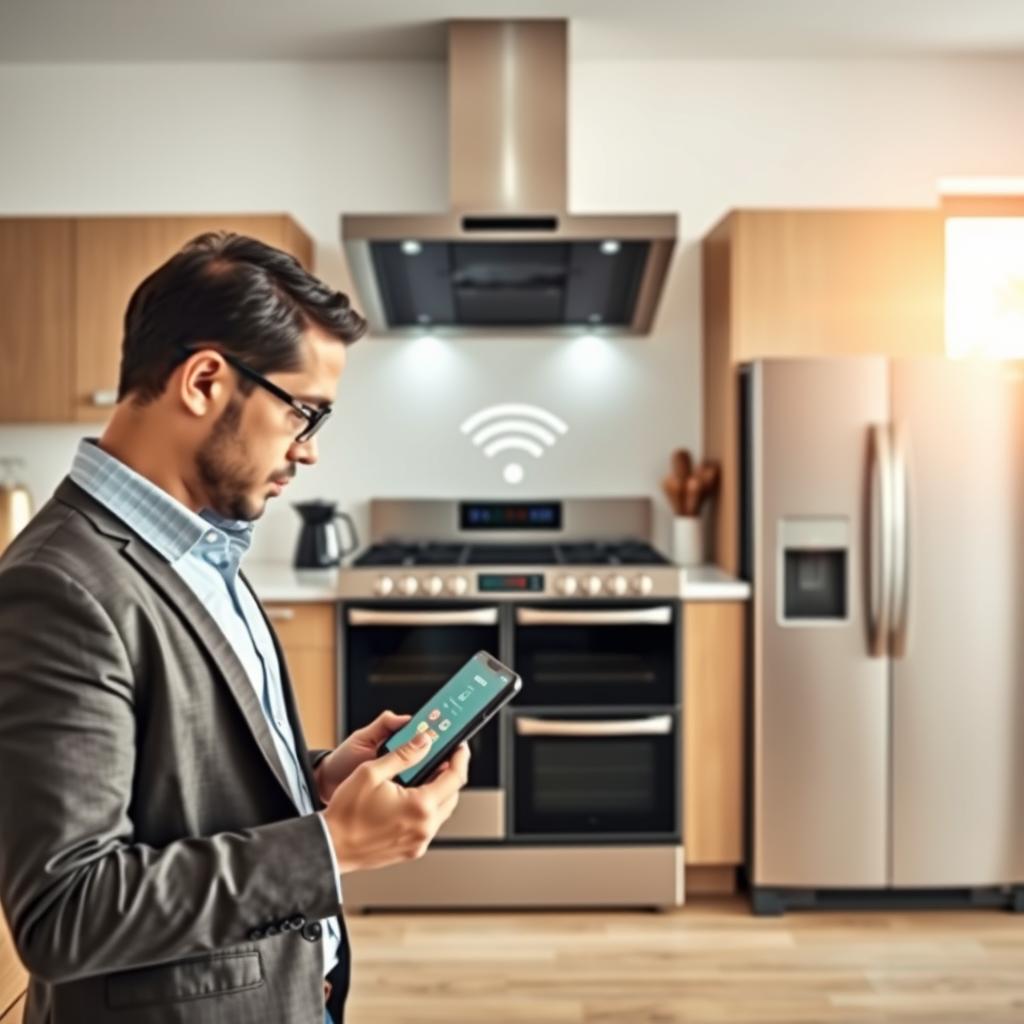
Smart appliance ecosystems reward a little planning up front so your devices work together smoothly. That planning helps you get the most from features and automations without surprises during install.
Thermador and Home Connect list partners such as IFTTT and Crestron so you can tailor routines. Integrations let you trigger actions like preheat when you arrive, or sync timers across other devices.
Before you buy, verify model support lists and firmware levels. Check network specs and required accounts so setup is fast and reliable at home.
Pairing guidance to connect compatible appliances quickly
We walk through pairing steps in plain terms so you bring new appliances online in minutes. Sign in to the app, follow prompts, and confirm permissions for shared users.
- Automations: IFTTT and Crestron enable custom routines and whole-house scenes.
- Checklist: confirm model compatibility, latest firmware, and vendor partner lists.
- Best practices: stable wifi, clear naming, and tailored notifications keep multi-user homes organized.
Security, privacy, and peace of mind
Security and privacy matter as much as performance when you invite smart features into your home. We want shoppers to feel confident about both data handling and physical safety.
UL IoT Security Rating: GE smart appliances carry a UL IoT Security Rating (Security Capabilities Verified Gold). That verification shows an independent standard for how device data and access are protected under U.S. IoT guidance.
Child lock and remote status checks for safety
Home Connect models include a child lock and remote status checks plus notifications. These features help families prevent accidental use and stay aware of a run’s progress from afar.
- Privacy policies and secure sign-in protect your information.
- Event logs and prompts give customers a reviewable history of actions.
- Configure voice access conservatively to reduce unintended commands.
- Follow the right way to update firmware and apps to keep protections current with minimal time spent.
For added peace of mind, contact vendor support about account safeguards and review the model’s security documentation before purchase.
Wall ovens vs. ranges: choose your best fit
Deciding if a split wall setup or an all-in-one range fits your home often comes down to ergonomics and hosting needs.
Wall installations prioritize sight lines and easier access. Single and double wall ovens are ideal if you bake frequently or host large meals and want two independent cavities.
Ranges combine cooktop and oven in one footprint. Slide-in and freestanding models save cabinetry changes and maximize space efficiency for smaller footprints.
- Ergonomics & design: wall units lift baking height; ranges keep everything in one zone.
- Capacity: double wall ovens excel for parallel roasts and multiple trays.
- Temperature & settings: both groups offer precise control and smart app features like SmartHQ or Home Connect on select models.
- Installation: plan ventilation, electrical or gas hookups, and cabinet modifications ahead of purchase.
- Connectivity: wifi-enabled options exist in each category, so you won’t lose remote control whichever path you choose.
We recommend comparing both categories against your typical meals and space. Match capacity and feature sets to how you cook, then review models before you buy to get the best fit for your appliance needs.
Cooking performance: air flow, temperature accuracy, and consistent results
Performance in cooking comes down to how air moves and how closely temperature holds under load. We focus on metrics that matter for weeknights and peak entertaining.
Even heat distribution for dinners, roasts, and baked goods
Robust air flow management keeps heat steady at every rack. That reduces hot spots and promotes even browning across trays and sheet pans.
Sensor-enabled features, like Bosch PerfectBake, monitor humidity and stabilize conditions so breads and roasts finish more predictably.
Fine-tuned settings for specialty dishes and weekday meals
Accurate temperature control matters for pastries, sourdough, and delicate roasts where a few degrees change texture.
Software-guided modes optimize the way air and heat move through the cavity for repeatable results. For weeknights, preset programs hit doneness without hovering.
- Robust air flow maintains even heat at each rack and lowers hot-spot risk.
- Precise temperature control improves pastry rise and roast juiciness.
- Guided modes pair with quality hardware to keep performance at the top of expectations.
- Stable air and temperature simplify coordinating sides for a larger dinner.
We recommend prioritizing sensor feedback and airflow design when baking often. If roasting is your focus, look for models with strong circulation and reliable temperature probes to get consistent finishes batch after batch.
Installation, setup, and connection guide
Getting your new smart appliance online is faster than you think—follow a few simple steps and you’ll be up and running in minutes.
Pair your appliance to wifi in minutes
Quick pairing: open the app, select the model, and follow on-screen instructions to join your network. For Home Connect, choose the appliance, connect to the wifi network, then confirm device registration.
Step-by-step: select mode, customize time and temperature, and start
Once paired, pick a heating mode in the app. Use the controls to set the timer and adjust temperature to taste.
- Test it: run a brief preheat and change a timer from the app to confirm full connection and control.
- Common tips: ensure a strong signal, enter the correct credentials, and keep firmware current for smooth operation.
- SmartHQ note: SmartHQ links through its app to manage updates, the live camera, and remote controls.
Clear instructions reduce trial-and-error on day one and make first cooks calm and predictable. If you need help, visit our main page for model-specific manuals or reach out for concierge assistance to finish setup quickly.
Support, updates, and remote diagnostics
After purchase, reliable support makes the difference between a great appliance and a great experience. We want buyers to know resources are ready the day the unit arrives and for years after.
In-app tutorials and care guides
The app includes step-by-step cleaning and maintenance tips so your unit stays like new. Home Connect tutorials cover routine care, deep cleaning, and feature walkthroughs. These guides help you learn modes like proofing or specialty baking fast.
Remote diagnostics and faster fixes
With permission, remote diagnostics can pull error data and guide fixes immediately. Often issues are resolved without a visit. When service is needed, pre-diagnosis ensures the right parts arrive and reduces downtime for busy homes.
- In-app support libraries explain cleaning, care, and use.
- Feature insights show how to use modes you haven’t tried yet.
- Remote diagnostics speed troubleshooting and cut service time.
- Regular updates add stability improvements and new capabilities.
- Customer help links and contact options keep assistance within reach.
For step-by-step cleaning and maintenance content, explore the Home Connect tutorials at Home Connect tutorials to get started.
Customer-focused features that simplify everyday cooking
Everyday cooking gets easier when helpful features live where you need them most.
Access nutritional info, tailored recipes, and timers in one place
Home Connect presents tailored recipes with clear nutritional information so you can pick options that match your goals. The guidance comes with suggested settings so you skip guesswork and get repeatable results.
SmartHQ centralizes timers and controls in the same app, which saves time during busy weeknights and reduces the need to juggle devices. Shared favorites, alerts, and quick presets make it simple to start a program and move on.
- Centralized controls: timers, modes, and presets cut the number of steps you manage during dinner.
- Auto-applied recipes: tailored recipes load optimal settings and shorten prep.
- Nutrition & tips: ingredient notes and calorie info support smarter meal choices.
- Favorites & routines: organize commonly used programs to match how you cook.
- Customer-first touches: alerts and shared access make the whole appliance experience smoother and more enjoyable.
For layout and product ideas that pair with these features, see our modern kitchen design guide for curated recommendations and expert help.
Ready to upgrade your kitchen? Explore smart ovens and ranges
We help you find the right mix of form and function so your remodel or refresh delivers reliable results and lasting style. Choose from smart wall ovens (single and double) and slide-in or freestanding ranges that suit small and large plans alike.
Start with a quick compare to match capacity, finish, and the controls you prefer. Platforms like Home Connect and SmartHQ offer guided cooking, a live camera view, and software updates that keep features current.
Browse smart wall ovens and ranges, compare features, and get expert help
- Side‑by‑side comparisons to pinpoint capacity, configuration, and finish.
- Feature checks for guided cooking, live camera, and recipe-send to fit how you cook.
- Platform fit: choose Home Connect or SmartHQ to match your broader smart plan and controls.
- Ask us questions about fit, power, ventilation, and installation timing for a smooth project.
CTA: Discover designs and shop now
Start now: discover designs, compare top picks, and request guidance at https://zovehomes.com/kitchen/. Use our comparison tools to weigh settings, modes, and accessories that matter most to your home.
Conclusion
Smart ranges and wall ovens now combine sensor-driven precision with simple controls that make everyday cooking easier.
Guided modes, live camera options, and robust security deliver dependable results with less guesswork. Strong air and tight temperature control help preserve texture and doneness across recipes.
Voice and app controls streamline the way you work so you save time and focus on guests and flavor. Software updates and remote diagnostics keep your appliance improving while service needs stay low.
We put customer needs first: clear guidance, fast support, and model comparisons to match your plan. When you’re ready, explore models and compare finishes at https://zovehomes.com/kitchen/.