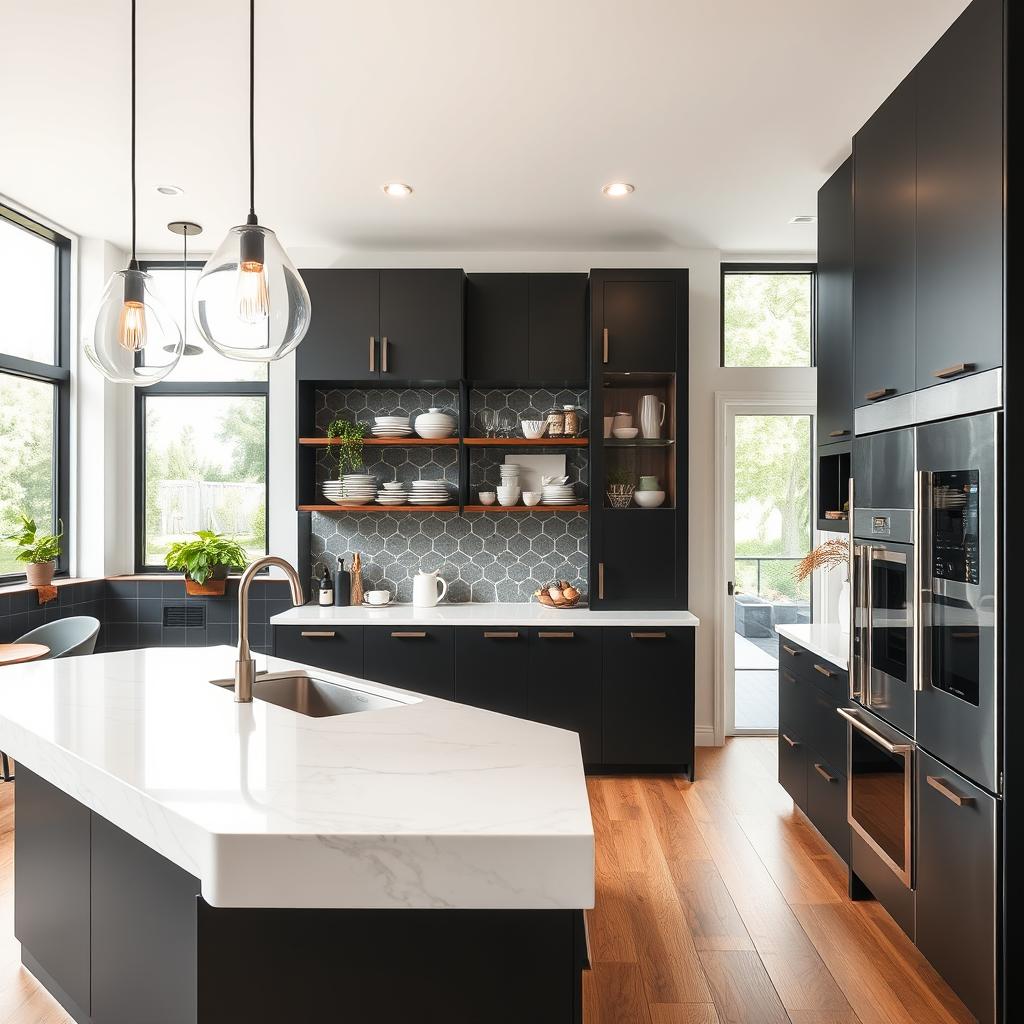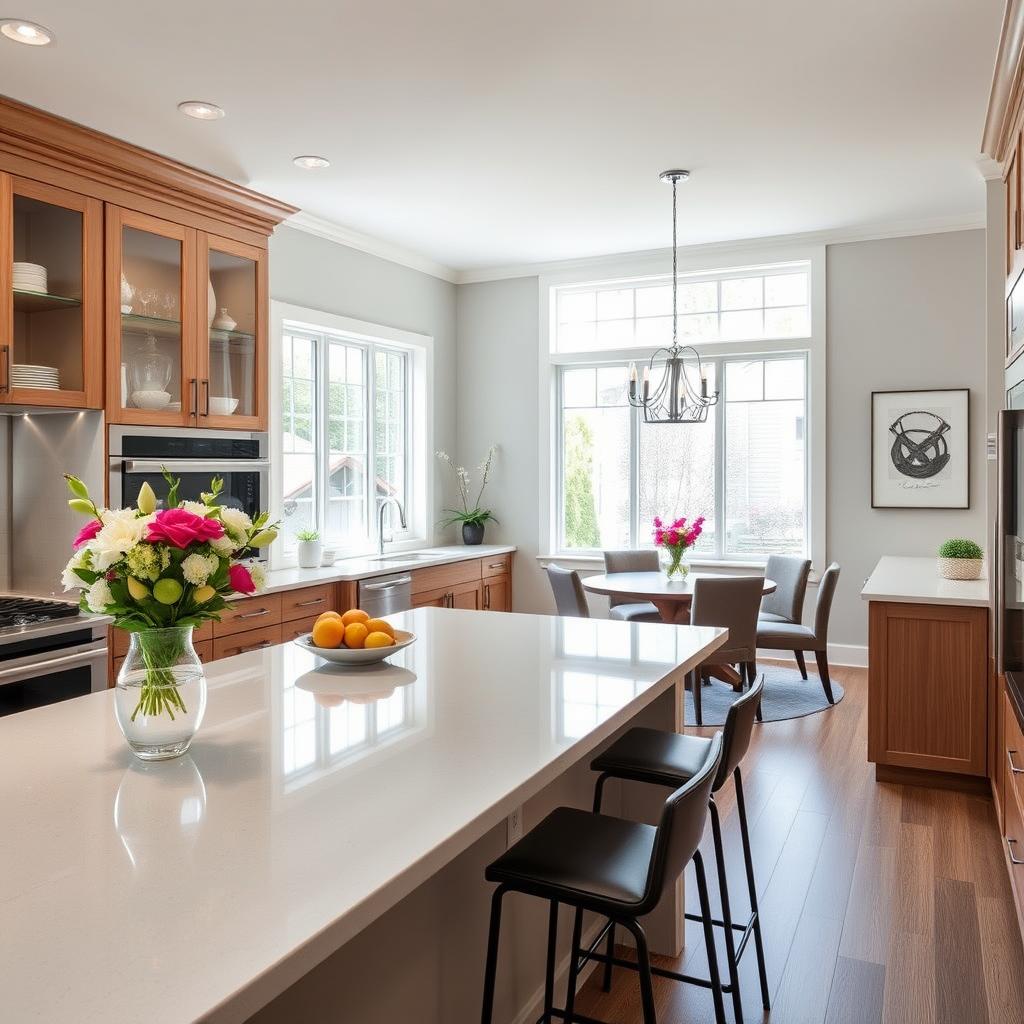
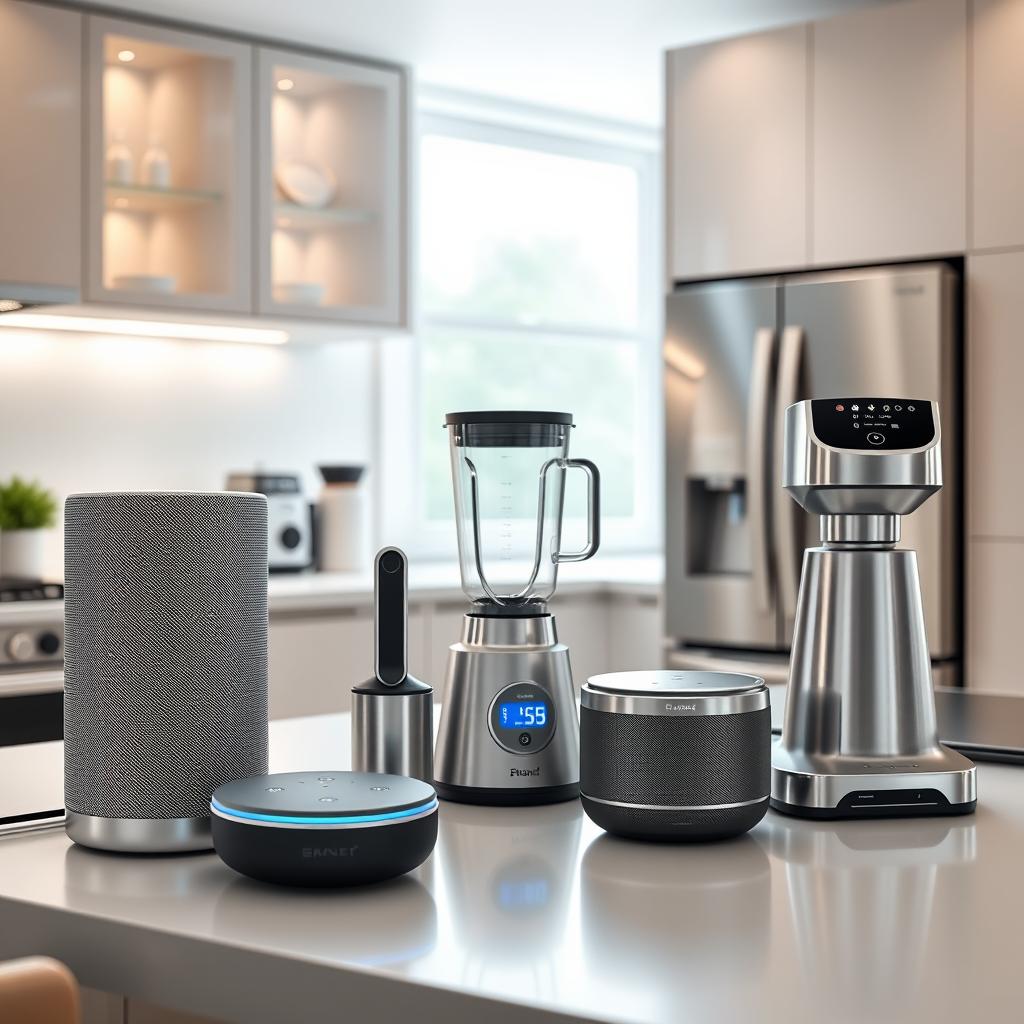
I still remember the first time I asked a hub to start the coffee while juggling a toddler and a grocery bag. That moment changed how I think about home tech: it can calm the chaos and bring small daily wins.
In this guide we offer a practical roadmap to upgrade your kitchen with smart solutions that truly add value. We focus on what matters most: ease, energy savings, and reliable safety without extra fuss.
Leading assistants like Amazon Alexa, Apple Siri, and Google Assistant act as the hub for a modern smart home. With brands such as Philips Hue and Schlage, you get robust lighting and secure entry that blend with good design.
Expect 2025 offerings to emphasize connectivity, personalization, and sustainability. From air fryers and coffee makers to smart plugs and thermostats, the goal is to make life easier while cutting waste and costs.
For more ideas and planning tools, explore our main kitchen hub and inspiration at kitchen decor ideas.
Key Takeaways
- We prioritize practical upgrades that deliver everyday value.
- Assistants unify lighting, cooking, and safety for hands-free control.
- 2025 products focus on connectivity, personalization, and sustainability.
- Choose tech that balances performance with thoughtful design.
- Use the main hub to plan layouts, product picks, and timelines.
Why voice controlled kitchen devices are transforming the modern kitchen in the United States
Across American households, smarter appliances are shifting everyday routines into smoother, less stressful rhythms.
In 2025, smart cooking tools emphasize precision and connectivity. Sensors can recognize foods, adjust temperatures, and send real‑time updates to your phone. This makes cooking more consistent and saves you time during busy nights.
Adoption is rising because of clear benefits: remote preheats, automated morning brews, and guided recipes that cut mistakes. Philips Hue lighting and Schlage locks show how lighting, access, and automation work together for comfort and stronger security.
- Hands‑free commands and app control reduce friction and save time for families.
- On‑device intelligence and sensors improve cooking results for anyone at home.
- Eco modes and usage tracking lower bills and support sustainable habits.
We recommend exploring planning guides and curated options on our main hub at kitchen. For safety extensions and accessibility, see our guide to emergency call systems that integrate with the broader smart home.
How to choose voice controlled kitchen devices that fit your home and routine
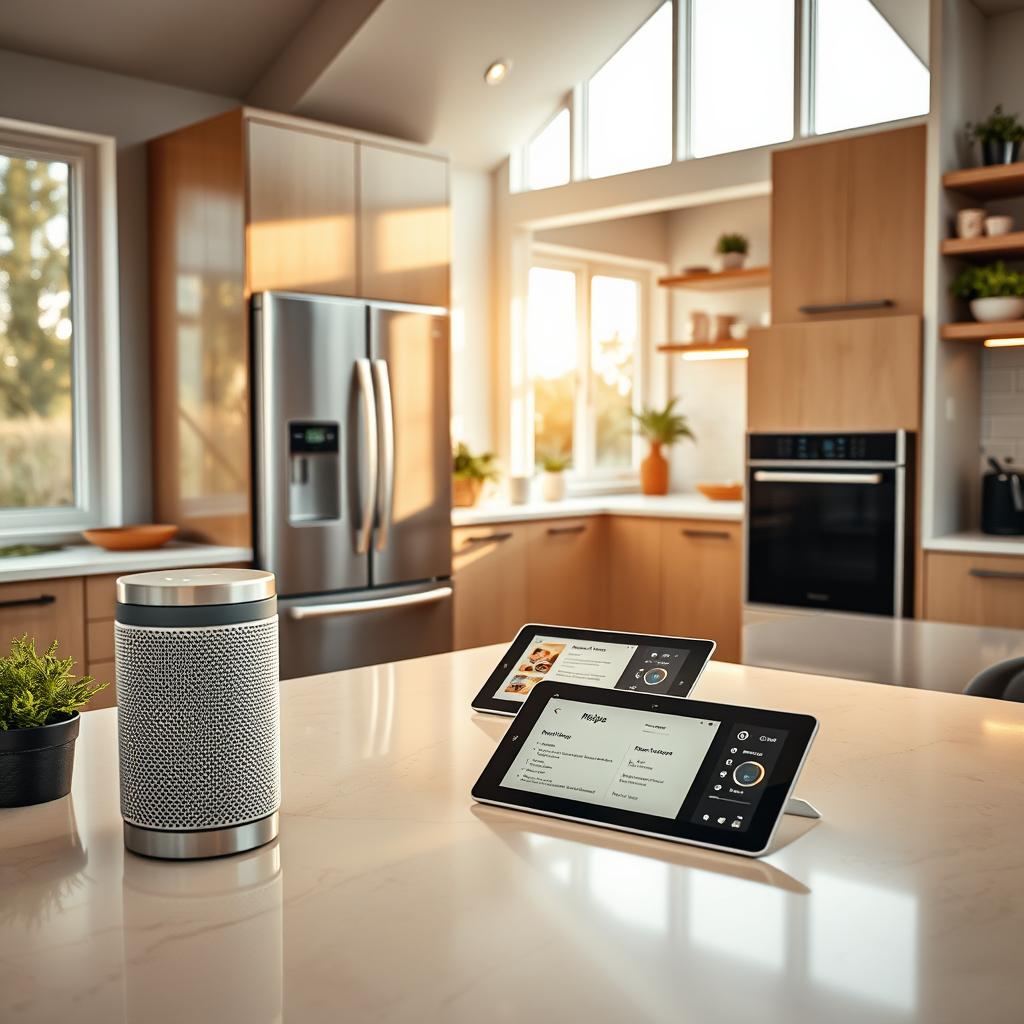
The best upgrades are the ones that blend into your mornings and save you real time.
Start by picking a primary assistant—Amazon Alexa, Google Assistant, or Siri—because it sets compatibility, privacy defaults, and the ecosystem you’ll expand.
Assistant compatibility
Alexa leads in breadth of compatible devices and skills. Siri pairs tightly with Apple hardware and favors privacy. Google Assistant excels at complex queries and visual feedback on Nest Hub.
Connectivity and control
Prioritize stable Wi‑Fi for remote access and timely notifications. Keep Bluetooth for quick pairing and a mature app for clear controls and updates.
Energy efficiency and sustainability
Look for eco modes, granular usage tracking, and smart schedules that lower costs without sacrificing performance. These settings help meet sustainability goals and cut utility bills.
Ecosystem and integration
Choose a consistent system—lighting like Philips Hue, thermostats such as Amazon’s Smart Thermostat, and locks like Schlage—to reduce app fragmentation and simplify routines.
Budget and value
- Match features to your cooking routine: preheat prompts, temperature guidance, and step‑by‑step modes.
- Balance price with long‑term support: reliable firmware updates and multi‑year brand service matter.
- Confirm what you can start, stop, or adjust with a single command and how that access works hands‑free.
For renovation‑ready recommendations and brand comparisons, visit our planning hub to build a smart home layout that fits your life.
Best smart kitchen devices for hands‑free cooking and control
Below are our top picks that blend performance, ease, and thoughtful design for modern cooking.
Air fryers, coffee makers, and multi‑cookers
Cosori Pro II Smart air fryer delivers crisp results and easy cleanup. It pairs with Amazon Alexa and Google Assistant and uses the VeSync app for presets.
Keurig K‑Supreme Plus Smart coffee maker learns preferences with BrewID, lets you set strength and temperature, and starts brews via app or via Alexa.
Instant Pot Pro Plus adds app control and hands‑free commands for soups, roasts, and batch meals.
Connected ovens and lighting
Choose ovens that recognize food and auto‑adjust temperature, then push status to your phone so you can prep other tasks.
Philips Hue offers scenes, geofencing, and grouping for mood and task lighting. For guidance on fixtures and bathroom lighting, see our smart lighting for bathrooms guide.
Hubs, plugs, and thermostats
- Echo Show 8 for guided recipes, timers, and quick video calls.
- Echo Hub to centralize routines, tiles, and mixed protocol gadgets.
- Amazon Smart Plug to add smart control to older counter gear.
- Amazon Smart Thermostat to trim energy use with simple settings.
We weigh price against standout features so you pick the best smart options without clutter. Label plugs, map lighting zones, and save presets to make daily cooking a breeze.
Set up, routines, and security: making your smart kitchen a breeze
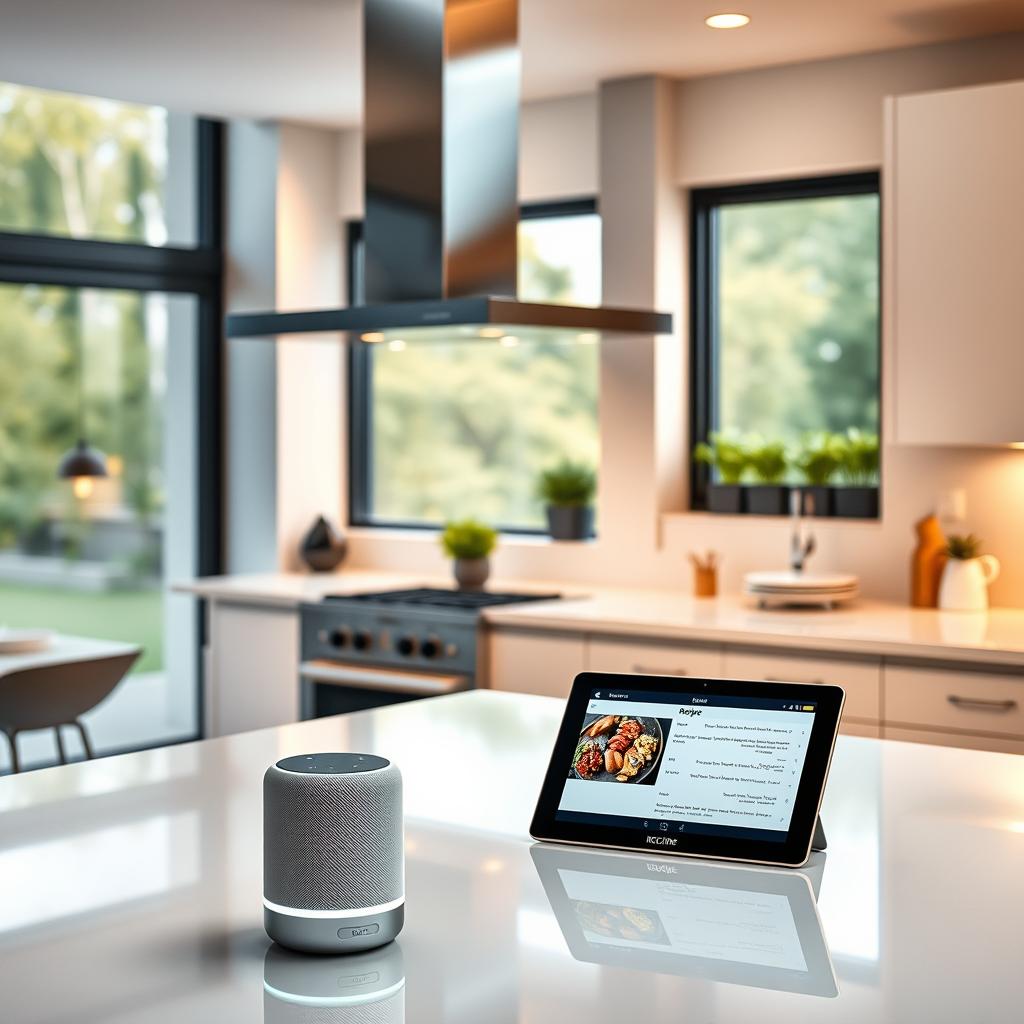
Simple sequences—preheat, light, and timer—are the backbone of a smooth smart home. We recommend starting with a few repeatable routines that save time and reduce friction during cooking.
Build helpful routines
Create a “Prep” routine that starts a timer, raises task lighting, and plays a short playlist. Add a “Dinner” scene that warms lights and triggers the range hood.
Use preheat commands and multi-step routines: lights on, oven preheat, and a 10‑minute chop reminder. Label each entry in the app so commands are consistent for everyone at home.
Multi-room control and dashboards
Centralize common tiles on an Echo Hub or a kitchen display so lights, plugs, thermostat, and timers are one tap away. The Echo Show 8 adds Visual ID for personalized notes and recipes.
- Group speakers and lights for hosting: cooking, dining, and patio zones on one routine.
- Use Amazon Smart Plug for legacy appliances and Away Lighting to simulate occupancy.
- Document your assistant, hubs, lighting zones, plugs, and thermostat in a simple system map.
Privacy and updates
Choose trusted brands like Philips Hue and Schlage and enable two‑factor authentication. Keep firmware current and review app permissions from time to time.
For step‑by‑step layouts and pairings that fit renovations or existing spaces, visit our planning guide at kitchen remodel planning and see automation ideas for smoother mornings at automate mornings.
Conclusion
Designing a smarter cooking space starts with clear goals: ease, reliability, and lasting value.
In 2025 the momentum is clear — connected appliances like an air fryer, coffee maker, and smart oven now pair with assistants such as alexa google to track temperature, send updates, and save you time.
Pair a capable hub with trusted brands like Philips Hue, Echo Show, and Amazon Smart Plug to refine lighting, extend control, and simplify routines.
Prioritize core features: reliable temperature control, simple settings, and responsive commands so daily meals feel immediate and intuitive.
Ready to plan a smart home layout with product picks and budgets? Start with our kitchen remodel planning at kitchen remodel planning and explore next steps on our main page: smart kitchen hub.
FAQ
What are voice‑controlled kitchen devices and how do they work?
Why are they transforming the modern kitchen in the United States?
How do I pick the right assistant: Alexa, Google Assistant, or Siri?
What connectivity should I look for: Wi‑Fi, Bluetooth, or both?
Can smart appliances actually save energy and money?
Which smart air fryer or coffee maker should I consider for voice control?
How do smart displays and hubs improve kitchen workflows?
Are smart plugs and thermostats useful in a kitchen setup?
What routines should I build for everyday cooking and hosting?
How do I keep my smart kitchen secure and private?
Will my smart kitchen work together across brands?
How much should I budget for a practical smart kitchen upgrade?
FAQ
What are voice‑controlled kitchen devices and how do they work?
These are smart appliances and accessories—like smart ovens, air fryers, coffee makers, lighting, and hubs—that accept spoken commands through assistants such as Amazon Alexa, Google Assistant, or Siri. They connect via Wi‑Fi or Bluetooth to an app or a smart home hub, letting you start preheats, set timers, adjust lighting scenes, or brew coffee hands‑free. Integration typically uses manufacturer apps and common smart‑home platforms so multiple products work together.
Why are they transforming the modern kitchen in the United States?
They shift routine tasks into automated, efficient actions. Homeowners save time with presets, remote control from phones, and sync across appliances. Accessibility improves for busy professionals or those with mobility limits, and energy use can drop through eco modes and scheduled operation. Combined with smart lighting and thermostats, these tools create a cohesive cooking environment and reduce friction during meal prep.
How do I pick the right assistant: Alexa, Google Assistant, or Siri?
Choose based on existing ecosystem and priorities. Amazon Alexa has broad third‑party device support and Echo Show options for kitchen dashboards. Google Assistant offers strong search and contextual cooking help, while Siri works best if you already use Apple HomeKit. Consider app quality, supported commands, and whether you want a touchscreen hub for recipes and video calls.
What connectivity should I look for: Wi‑Fi, Bluetooth, or both?
Wi‑Fi enables full remote control, firmware updates, and cloud routines—essential for multi‑device setups. Bluetooth can be useful for quick pairing or local control without internet, but it limits remote features. We recommend Wi‑Fi as primary connectivity and Bluetooth as a handy supplement for initial setup or short‑range control.
Can smart appliances actually save energy and money?
Yes. Features like eco modes, usage tracking, and smart schedules reduce waste by running appliances during off‑peak hours and avoiding unnecessary preheat cycles. Over time, improved efficiency and fewer burnt meals or overcooked batches translate to lower utility bills and less food waste, especially when devices share data with your smart meter or energy‑monitoring apps.
Which smart air fryer or coffee maker should I consider for voice control?
Look for models that explicitly list Amazon Alexa and Google Assistant compatibility and offer reliable companion apps. Prioritize units with preset programs, temperature accuracy, and routine support so you can say commands like “Alexa, start the air fryer on 375°F for 12 minutes” or “Hey Google, brew my morning espresso.” Check reviews for build quality and app responsiveness before buying.
How do smart displays and hubs improve kitchen workflows?
Devices such as the Echo Show act as centralized interfaces for recipes, timers, video calls, and device control. They let you pull up step‑by‑step instructions, watch cooking videos, and manage multiple appliances from one screen. Hubs that support Matter or multiple protocols reduce fragmentation and make adding new equipment simpler.
Are smart plugs and thermostats useful in a kitchen setup?
Absolutely. Smart plugs let you add voice control to non‑smart appliances—think countertop mixers or slow cookers—while smart thermostats maintain comfortable temperatures during long cooks. Both extend the benefits of your ecosystem without replacing existing appliances and can be included in routines for arrival, cooking, and cleaning scenes.
What routines should I build for everyday cooking and hosting?
Useful routines include a preheat sequence that starts the oven and lights with one command, a “dinner” scene that adjusts lighting and starts background music, and a timer routine linked to the air fryer or oven that notifies you on your phone. You can also combine cleaning cycles and ventilation with end‑of‑meal commands for convenience.
How do I keep my smart kitchen secure and private?
Choose reputable brands with regular firmware updates, enable two‑factor authentication on accounts, and place devices on a separate guest or IoT network when possible. Regularly update apps and firmware, review device permissions, and disable features you don’t use—like always‑on microphones—if privacy is a priority.
Will my smart kitchen work together across brands?
Increasingly yes, thanks to standards like Matter and broad assistant support from Amazon and Google. Check product specifications for compatibility with your chosen assistant and whether the manufacturer supports common smart‑home platforms. Avoid relying on proprietary ecosystems unless you intend to buy all components from the same brand.
How much should I budget for a practical smart kitchen upgrade?
Budgets vary. Entry‑level improvements—smart plugs, bulbs, and a smart speaker or display—start under 0. Midrange setups with a smart coffee maker, air fryer, and smart lighting fall in the 0–
FAQ
What are voice‑controlled kitchen devices and how do they work?
These are smart appliances and accessories—like smart ovens, air fryers, coffee makers, lighting, and hubs—that accept spoken commands through assistants such as Amazon Alexa, Google Assistant, or Siri. They connect via Wi‑Fi or Bluetooth to an app or a smart home hub, letting you start preheats, set timers, adjust lighting scenes, or brew coffee hands‑free. Integration typically uses manufacturer apps and common smart‑home platforms so multiple products work together.
Why are they transforming the modern kitchen in the United States?
They shift routine tasks into automated, efficient actions. Homeowners save time with presets, remote control from phones, and sync across appliances. Accessibility improves for busy professionals or those with mobility limits, and energy use can drop through eco modes and scheduled operation. Combined with smart lighting and thermostats, these tools create a cohesive cooking environment and reduce friction during meal prep.
How do I pick the right assistant: Alexa, Google Assistant, or Siri?
Choose based on existing ecosystem and priorities. Amazon Alexa has broad third‑party device support and Echo Show options for kitchen dashboards. Google Assistant offers strong search and contextual cooking help, while Siri works best if you already use Apple HomeKit. Consider app quality, supported commands, and whether you want a touchscreen hub for recipes and video calls.
What connectivity should I look for: Wi‑Fi, Bluetooth, or both?
Wi‑Fi enables full remote control, firmware updates, and cloud routines—essential for multi‑device setups. Bluetooth can be useful for quick pairing or local control without internet, but it limits remote features. We recommend Wi‑Fi as primary connectivity and Bluetooth as a handy supplement for initial setup or short‑range control.
Can smart appliances actually save energy and money?
Yes. Features like eco modes, usage tracking, and smart schedules reduce waste by running appliances during off‑peak hours and avoiding unnecessary preheat cycles. Over time, improved efficiency and fewer burnt meals or overcooked batches translate to lower utility bills and less food waste, especially when devices share data with your smart meter or energy‑monitoring apps.
Which smart air fryer or coffee maker should I consider for voice control?
Look for models that explicitly list Amazon Alexa and Google Assistant compatibility and offer reliable companion apps. Prioritize units with preset programs, temperature accuracy, and routine support so you can say commands like “Alexa, start the air fryer on 375°F for 12 minutes” or “Hey Google, brew my morning espresso.” Check reviews for build quality and app responsiveness before buying.
How do smart displays and hubs improve kitchen workflows?
Devices such as the Echo Show act as centralized interfaces for recipes, timers, video calls, and device control. They let you pull up step‑by‑step instructions, watch cooking videos, and manage multiple appliances from one screen. Hubs that support Matter or multiple protocols reduce fragmentation and make adding new equipment simpler.
Are smart plugs and thermostats useful in a kitchen setup?
Absolutely. Smart plugs let you add voice control to non‑smart appliances—think countertop mixers or slow cookers—while smart thermostats maintain comfortable temperatures during long cooks. Both extend the benefits of your ecosystem without replacing existing appliances and can be included in routines for arrival, cooking, and cleaning scenes.
What routines should I build for everyday cooking and hosting?
Useful routines include a preheat sequence that starts the oven and lights with one command, a “dinner” scene that adjusts lighting and starts background music, and a timer routine linked to the air fryer or oven that notifies you on your phone. You can also combine cleaning cycles and ventilation with end‑of‑meal commands for convenience.
How do I keep my smart kitchen secure and private?
Choose reputable brands with regular firmware updates, enable two‑factor authentication on accounts, and place devices on a separate guest or IoT network when possible. Regularly update apps and firmware, review device permissions, and disable features you don’t use—like always‑on microphones—if privacy is a priority.
Will my smart kitchen work together across brands?
Increasingly yes, thanks to standards like Matter and broad assistant support from Amazon and Google. Check product specifications for compatibility with your chosen assistant and whether the manufacturer supports common smart‑home platforms. Avoid relying on proprietary ecosystems unless you intend to buy all components from the same brand.
How much should I budget for a practical smart kitchen upgrade?
Budgets vary. Entry‑level improvements—smart plugs, bulbs, and a smart speaker or display—start under $200. Midrange setups with a smart coffee maker, air fryer, and smart lighting fall in the $500–$1,500 range. High‑end integrated appliances and professional installs can cost several thousand. Focus on devices that save time or add convenience first to get the most value.
What maintenance do these products require?
Keep firmware and apps current, periodically reboot hubs if connections lag, and follow manufacturer care instructions for appliances. Replace filters, clean sensors, and check network settings after router upgrades. Regular maintenance preserves performance and security.
Can I control my smart kitchen from my phone when I’m away?
Yes—if devices are cloud‑connected through Wi‑Fi and linked to their companion apps or your assistant account. Remote access enables you to start appliances, check progress, and receive alerts. Ensure strong passwords and two‑factor authentication to protect access when away from home.
,500 range. High‑end integrated appliances and professional installs can cost several thousand. Focus on devices that save time or add convenience first to get the most value.
What maintenance do these products require?
Keep firmware and apps current, periodically reboot hubs if connections lag, and follow manufacturer care instructions for appliances. Replace filters, clean sensors, and check network settings after router upgrades. Regular maintenance preserves performance and security.
Can I control my smart kitchen from my phone when I’m away?
Yes—if devices are cloud‑connected through Wi‑Fi and linked to their companion apps or your assistant account. Remote access enables you to start appliances, check progress, and receive alerts. Ensure strong passwords and two‑factor authentication to protect access when away from home.