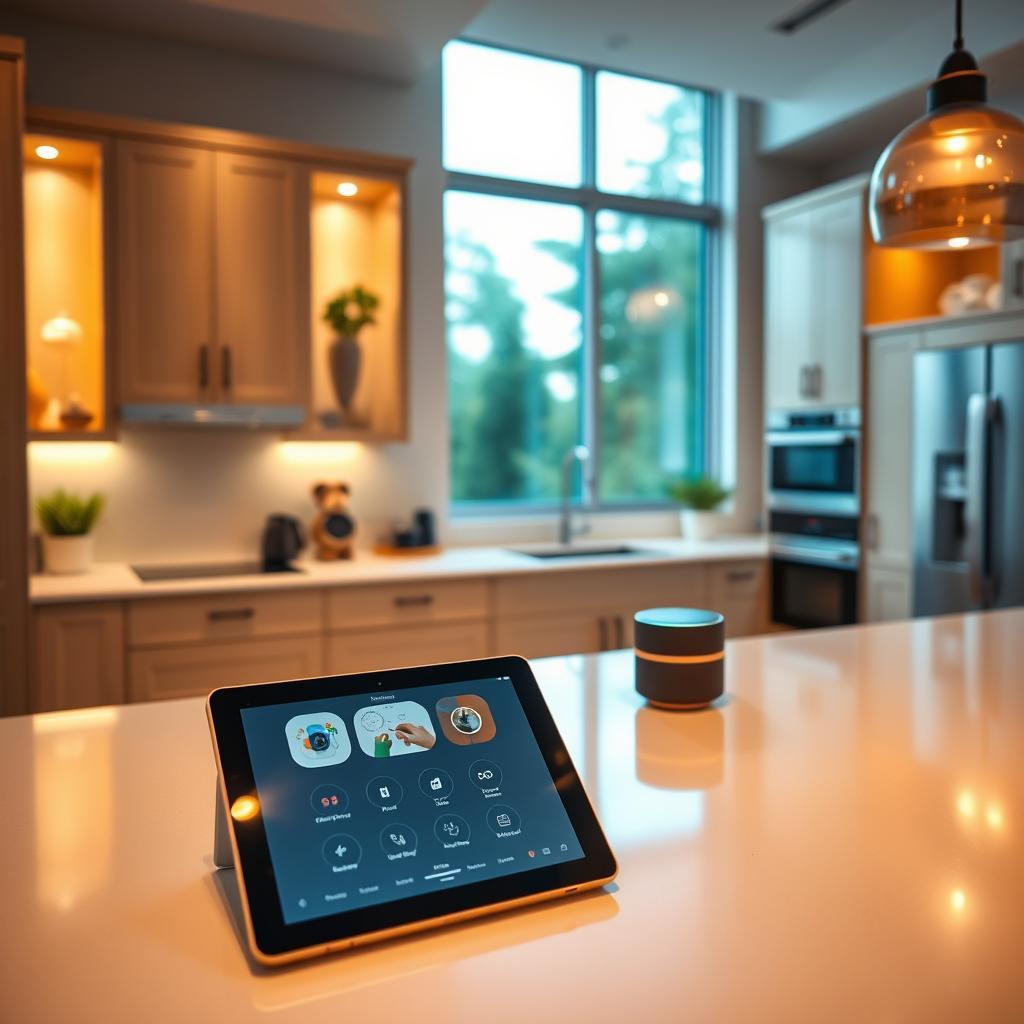
Which voice assistant truly earns a place on your counter and changes the way your family cooks, plans, and moves through the day?
We treat the kitchen as the nerve center of the home and guide you through choosing a reliable, easy-to-use smart home setup that keeps recipes, timers, and family coordination in one visible spot.
In this short guide, we compare screens and devices like the Echo Show 8 and 11, Echo Hub wall panels, Nest Hub models, and Brilliant in-wall panels. We focus on real needs: visibility at the counter, quick voice actions, and one-tap control for timers and doorbell views.
Expect clear advice on which voice assistant fits your routines, how design and placement affect daily use, and when a dedicated home hub display beats a simple device. We also cover privacy, camera options, and emerging standards like Matter and Thread.
Ready to start planning? Visit our kitchen page at https://zovehomes.com/kitchen/ for product picks and layouts that match your style and budget.
Key Takeaways
- Pick a screen size based on counter visibility and open-plan needs.
- Echo Show models offer strong multimedia and Matter support.
- Nest Hub options focus on sleep and casting features.
- In-wall panels tidy counters and centralize control.
- Choose the voice assistant that matches your devices and routines.
- Prioritize quick control and clear information for real cooking moments.
At a glance: what “smart home hub kitchen” shoppers want right now
Most buyers focus on a clear display, fast voice responses, and controls that cut steps during busy cooking windows.
People want a bright screen that’s readable from across the room and a device that handles timers, shopping lists, and intercom commands with one prompt.
We see three practical tiers: compact models for small counters, midrange devices for family use, and larger displays for open-plan spaces. Price and size guide many purchases.
- Easy controls and quick tiles beat deep menus for everyday reliability.
- Echo Show models stand out for assistant power, sound, and Matter/Thread/Zigbee support.
- Nest displays excel for video, YouTube, and fast replies; Apple users prioritize sleek integration with the Home app.
Quick tip: Visit our kitchen-ready picks to compare features and price at a glance: https://zovehomes.com/kitchen/
How to choose a kitchen-friendly smart home hub and display
Choosing the right display comes down to visibility, touch response, and audio clarity.
Screen size, touch controls, and visibility across the room
Start with size and brightness. An 8–11 inch screen is the sweet spot for most counters. It shows large, legible text without taking over your surface.
Touch screen responsiveness matters when mixers or vents mask your voice. Look for crisp tiles and fast tap feedback so you can control timers and lists with a knuckle.
Sound quality for recipes, news briefs, and music while you cook
For recipes and briefings, midrange speakers that prioritize clarity work best. If you want fuller music, choose a larger model such as an Echo Show 11 or the richer Echo Show 8 (4th Gen, 2025).
Cameras, privacy shutters, and video calling at the counter
If video calls or doorbell views matter, compare camera placement, resolution, and physical shutters. Nest Hub (2nd Gen) skips a camera, while Nest Hub Max and many Echo Show models include one. Pick devices with clear privacy and security controls.
- Balance counter space with visibility from islands or breakfast nooks.
- Consider wall-mounted panels like Echo Hub or Brilliant for a tidy control surface.
- Plan for Matter/Thread support so your setup stays current.
Alexa vs Google vs Apple: which voice assistant works best in the kitchen?
Each assistant brings different strengths to a busy counter. We evaluate how voice, on-screen cues, and device integration speed up cooking and family routines.
Alexa and Alexa+: robust control and recipe skills
Alexa with Alexa+ excels at fast control of smart devices and reliable routines. Echo Show 8 (4th Gen, 2025) and Echo Show 11 add conversational searches plus Matter/Thread/Zigbee support.
That combination helps when you need timers, multi-step recipe prompts, or quick scene changes while juggling pots.
Google Assistant / Gemini Home: intuitive queries and YouTube
Google’s assistant is strongest for natural-language queries, unit conversions, and step-by-step video. Nest Hub Max doubles as a video display and can act as a camera for entry monitoring.
Apple Home: HomeKit reliability with HomePod and the Home app
Apple favors privacy and tight integration. Pair a HomePod with your iPhone or iPad and use the Home app for seamless scene control and Siri requests without another counter device.
- Pick the system you already own to reduce friction.
- Prioritize assistants that surface clear on-screen controls and quick voice commands.
- Consider wall options like Echo Hub or Brilliant panels if you want less countertop clutter.
smart home hub kitchen essentials for the present
Start with the features you will actually use every day: timers, intercom, and instant camera views.
Hands-free timers save time and reduce mess. Use voice commands to start, pause, and cancel timers while you cook.
Broadcast and intercom let you call the family to the table without shouting. Both Google and Alexa systems support easy announcements across devices.
Hands-free timers, broadcast to family, and doorbell/security camera views
One tap should pull up doorbell and camera feeds so you can check the porch while your hands are dirty. Confirm the display streams video reliably and keeps audio clear over kitchen noise.
For video calling, Nest devices require a Wi‑Fi network, a nearby outlet, and a compatible phone; Duo/Meet accounts are needed for Google video calls on both ends.
Wall-mount vs counter placement, and power/Wi‑Fi requirements
Decide if your device lives on the counter for flexible placement or the wall to free space. Echo Hub is optimized for wall mounting and touch control but does not include a camera.
- Confirm basics: stable Wi‑Fi, a nearby outlet, and a compatible mobile device for setup.
- Privacy first: choose a touch-only display if you want fewer cameras and clear guest controls.
- Placement tips: avoid glare, stay away from direct steam, and tilt an Echo Show slightly for better off-angle viewing.
Build the essentials first—timers, doorbell feeds, and shopping list workflows—then add routines once the family routine feels smooth. We also highlight real examples you can copy now at https://zovehomes.com/kitchen/.
Top Amazon picks for kitchen control and display
Amazon’s lineup gives you choices from compact countertop screens to wall-mounted control panels. We focused on visibility, sound, and everyday control so you can pick the right model for your home layout.
Echo Show 8 (4th Gen, 2025)
Compact countertop pick: the Echo Show 8 is brighter and faster with Alexa+. It adds improved speakers and support for Matter, Thread, and Zigbee.
This model balances price and performance and handles timers, music, and routine prompts without taking over the counter.
Echo Show 11
For open layouts: the Echo Show 11 brings an 11-inch screen and room-filling sound. The larger display makes news, recipes, and thumbnails easier to read across the room.
It keeps the same standards support as the smaller model and justifies the price bump for big spaces.
Echo Hub
Wall-mount control panel: Echo Hub is thin, touch-first, and designed for lights, locks, and scenes.
It has no camera and weaker audio by design, which some households prefer for privacy and a tidy look.
- Standout: Echo Show models support Matter, Thread, and Zigbee for easier smart home control.
- Value: Echo Show 8 is the most homes-friendly model; Echo Show 11 fits larger rooms.
- Design tip: mount Echo Hub near an entry to free counters and centralize control.
See our curated Amazon-friendly setups to compare models and price at https://zovehomes.com/kitchen/. We help match the right device to your layout and routines.
Best Google Nest displays for kitchen counters and walls
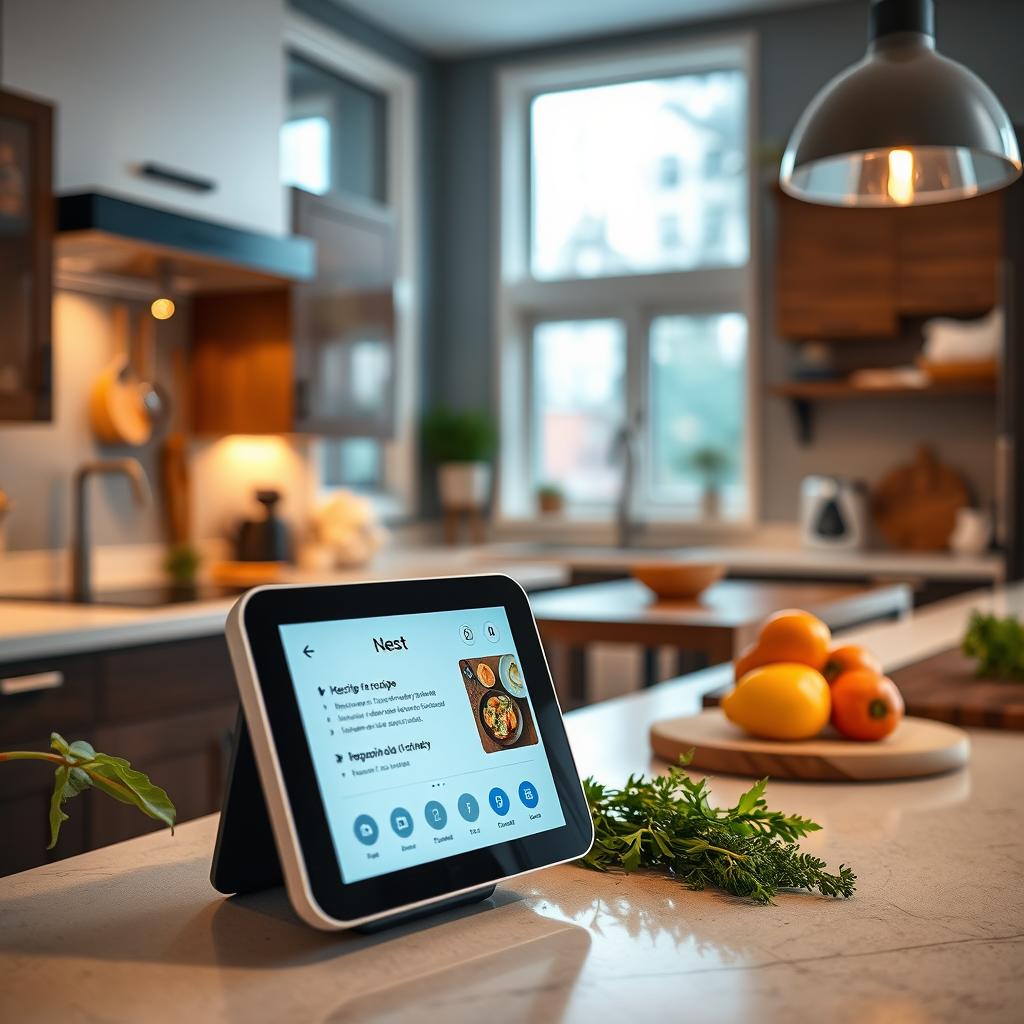
When screen size and camera features matter most, Google’s Nest models deserve a close look. We compare two clear choices so you can match size and function to your layout and routines.
Nest Hub Max: big, bright screen and camera-forward video
The Nest Hub Max is built for families who use a lot of recipe videos and cast media from phones or tablets. It supports Google Cast, has louder speakers, and works as a local security camera when you need entry views while cooking.
Why it fits larger counters: the bigger screen makes step-by-step video easy to follow from across an island. Pairing with other devices is seamless, and the model will stay current as many Nest products gain Matter support.
Nest Hub (2nd Gen): compact, fast controls and Sleep Sensing
The 2nd gen unit is a space-saving display that responds quickly to voice and on-screen tiles. It omits a camera—good for privacy—and adds Sleep Sensing for wellness insights, not medical diagnosis.
Placement tip: use a 7-inch panel near the stove for quick glances, and reserve the Max by an island for shared viewing. Both require Wi‑Fi, a nearby outlet, and a compatible Android or iOS phone for setup.
- Video-first rooms: Nest Hub Max shines where YouTube and casting matter most.
- Privacy-conscious counters: choose the 2nd gen model without a camera.
- Mixing systems: we’ll show where an echo show fits for Alexa skills and where Nest wins for video routines.
Compare these models and get layout ideas at https://zovehomes.com/kitchen/.
Where Apple fits: using HomePod and an iPhone/iPad as your kitchen hub
Using HomePod with an iPhone or iPad turns existing Apple gear into a tidy, powerful command center.
If your household is Apple-first, pair a HomePod with the Home app for reliable automations and private voice assistant responses. This approach keeps counters clear and relies on your phone or tablet for glanceable control.
Place a HomePod near the prep area for strong music playback and clear Siri replies. Scene buttons in the Home app give one-tap control of lights, shades, and audio. For larger recipe views, prop an iPad on a stand only when you need a bigger screen.
- Clean counters: rely on phone and tablet for most tasks.
- Wall option: an in-wall panel centralizes control while keeping Apple as the lead system.
- Mixing in others: an Echo Show can coexist for specific skills or camera feeds without disrupting the Apple experience.
We recommend starting with a HomePod, your primary phone, and a simple set of scenes. For staging ideas, see our counter layouts at best HomeKit devices and our kitchen staging guide at https://zovehomes.com/kitchen/.
Security and privacy in a family kitchen
Before you mount or place a display, decide how the device will handle cameras, mics, and guest access.
Mic and camera privacy: pick models with physical shutters, obvious kill switches, and clear on-screen indicators so everyone knows when a camera or mic is active.
Using displays as security cameras: if you plan to use a Nest Hub Max for video, confirm field of view, placement height, and who can view feeds. Test audio clarity in real cooking noise and set guest access policies.
- Choose no-camera panels like Echo Hub for privacy-sensitive layouts and pair with a discrete doorbell or indoor camera away from gathering zones.
- Tune motion alerts and sensitivity to reduce false alarms; learn more about motion sensors and placement at motion sensor lighting tips.
- Limit visible information with simple controls: surface only lights, scenes, and door views; hide calendars or shopping details from shared displays.
We recommend privacy-first layouts and share examples at our kitchen planning page. For broader device privacy concerns, see reporting on appliances and data at privacy and appliances.
Compatibility that matters: Matter, Thread, Zigbee, and Cast
Standards and protocols decide whether your devices play well together or force you into multiple apps and logins. We map the radios and services so your system stays reliable and predictable during busy moments.
Matter and Thread support on Echo Show 8/11 and future Nest updates
The Echo Show 8 (4th Gen, 2025) and Echo Show 11 support strong, Matter, Thread, and Zigbee. That trio simplifies onboarding for lights, sensors, and switches and improves resilience for everyday smart home control.
Google is rolling Matter to many Nest units via updates, which helps unify mixed-brand devices over time. If you add motion or contact sensors, Thread boosts responsiveness for snappy scene triggers like “Prep Lights On.”
What you need for Nest devices: Wi‑Fi, power outlets, and a compatible phone
Nest Hub Max and Nest Hub require a stable Wi‑Fi network, a nearby outlet, and a compatible Android or iOS phone for setup. The right foundation avoids mid-cooking disconnects and keeps the display responsive.
- Standards reduce friction: one sign-in and fewer apps for common tasks.
- Group control: organize lights, pendants, and strips so one phrase or tap aligns the room.
- App roles: we show where you enroll devices, tune automations, and which app you’ll use day-to-day.
- Backup controls: plan for power or Wi‑Fi outages so essential lighting and scenes still work.
See compatibility checklists and kitchen layouts at our kitchen page, and review device enrollment tips in our compatibility checklist.
Price, value, and space: matching model size to your kitchen layout
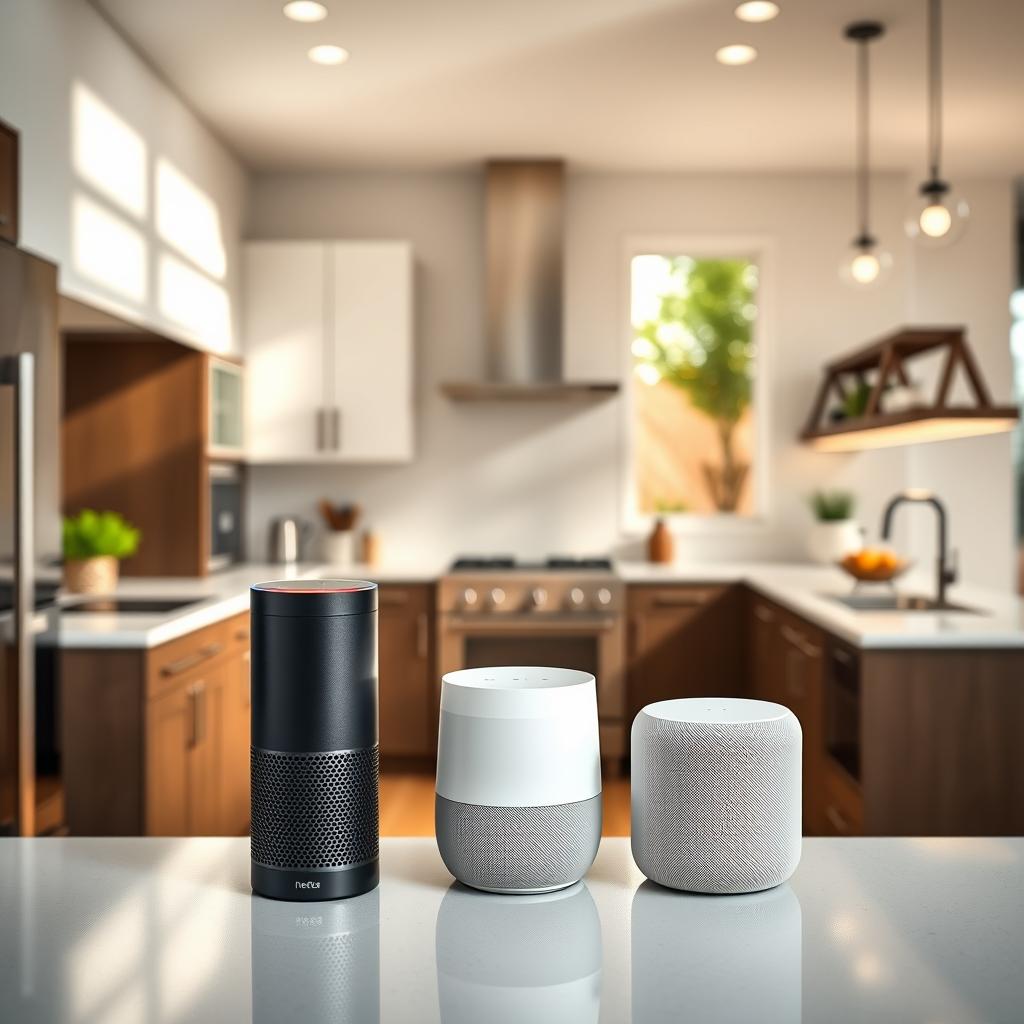
Match device scale to counter space and your budget. Start by measuring where the display will live and set a clear price range before you shop. That saves time and keeps design choices practical.
The Echo Show 8 (4th Gen, 2025) often wins as the best overall model for most homes. It balances price and capability. For large, open rooms, the Echo Show 11 offers a larger size and better visibility at a slightly higher price.
For tight counters, the Google Nest Hub (2nd Gen) is compact and budget-friendly. Its 2nd gen design leaves out a camera, which lowers cost and eases privacy concerns.
If you want a clean wall installation and less countertop clutter, consider a wall-mounted Echo Hub or the larger Echo Show 15/21. Note: the 15 and 21 add visual impact but can carry higher costs and only average audio in testing.
- Start with space: a compact screen can cover timers and lists without crowding the counter.
- Think total cost: pick a model that supports modern standards so your devices last longer.
- Readability matters: we score screen legibility, touch response, and voice reliability—traits that save time every day.
We recommend checking space-aware layouts and seasonal pricing at https://zovehomes.com/kitchen/ before you buy. That helps you match price, size, and daily utility so your investment pays off.
Build a sleek command center: wall-mounted panels and in-wall controls
A wall-first control zone can turn a busy prep area into a refined, effortless command center. We favor wall-mounted displays when you want clear sightlines, tidy counters, and one-touch scenes.
Echo Hub is thin, touch-friendly, and designed to disappear into the wall. It gives fast Alexa support, no camera, and modest audio—ideal where privacy and minimalism matter.
Echo Show 15 and 21 as wall-friendly displays
The Echo Show 15 and Echo Show 21 work as visual dashboards and digital frames. The Show 15 adds an improved camera but only average audio. The Show 21 brings a 21-inch display and a more capable camera at a higher price.
Place these where a larger display complements sightlines without overpowering the room. Use them for family calendars, recipe pins, and doorbell feeds.
Brilliant in-wall panels: built-in Alexa, lights, music, climate, and scenes
Brilliant panels put touch screen control right in the wall. They unify lights, climate, access, and music (including Sonos), so everyone can adjust scenes without opening an app.
- Minimalist option: Echo Hub keeps counters free and offers fast controls with a clean design.
- Visual dashboard: Echo Show 15/21 serve as large displays for photos, feeds, and family info.
- Integrated control: Brilliant panels give built-in Alexa, scene tiles, and Smart Dimmers for motion-triggered low lighting.
We route scenes like “Prep,” “Cook,” and “Clean” to one-touch tiles that change lights, climate setpoints, and music levels. For camera placement, we avoid panels that capture private angles and favor door-facing locations when needed.
Design tip: coordinate finishes and mounting heights so the system reads like original millwork, not an afterthought. See our wall-mount templates and finish pairings at https://zovehomes.com/kitchen/.
Start your smart home hub kitchen setup today
Take the guesswork out of buying: we show a step-by-step approach to pick products, placements, and the right app for setup. Follow a simple plan and you can move from research to install in a single weekend.
Explore kitchen-ready options and get inspired at https://zovehomes.com/kitchen/
We’ve curated the most kitchen-ready products on one page so you can compare finishes, screens, and layouts quickly.
- Start small: install timers, an intercom for the family, and doorbell views first—then layer scenes and dashboards.
- Quick-start help: our guides show which app to use, how to enroll devices, and which voice phrases speed routine tasks.
- Mixing brands: we explain alignment tips so your devices and displays feel consistent across assistants and an echo show where needed.
- Wall or counter: find placement templates, wiring tips, and bundles that let you go from planning to install in one project day.
Short on time? Use our recommended bundles and placement diagrams to save time. If you follow our plan, you’ll gain reliable home control, clearer news and timing cues, and one-tap actions from your phone or display.
Explore and shop at https://zovehomes.com/kitchen/ to plan, compare, and act today.
Conclusion
Ready to stop researching and start installing a device that actually speeds your daily routines?
We recommend choosing a model with a readable screen, reliable voice assistant, and fast local control. Echo Show options (Echo Show 8 and Echo Show 11) give broad compatibility and strong support for Matter/Thread/Zigbee.
Google’s Nest Hub Max excels at video and casting, while Nest Hub (2nd Gen) keeps things compact and private. For a tidy, fixed station, consider an Echo Hub or Brilliant in‑wall panel.
Balance price against the features you’ll use for years. With the right plan, your smart home devices and home devices will work together and save steps every day.
Ready to move from research to results? Explore your next steps at https://zovehomes.com/kitchen/.