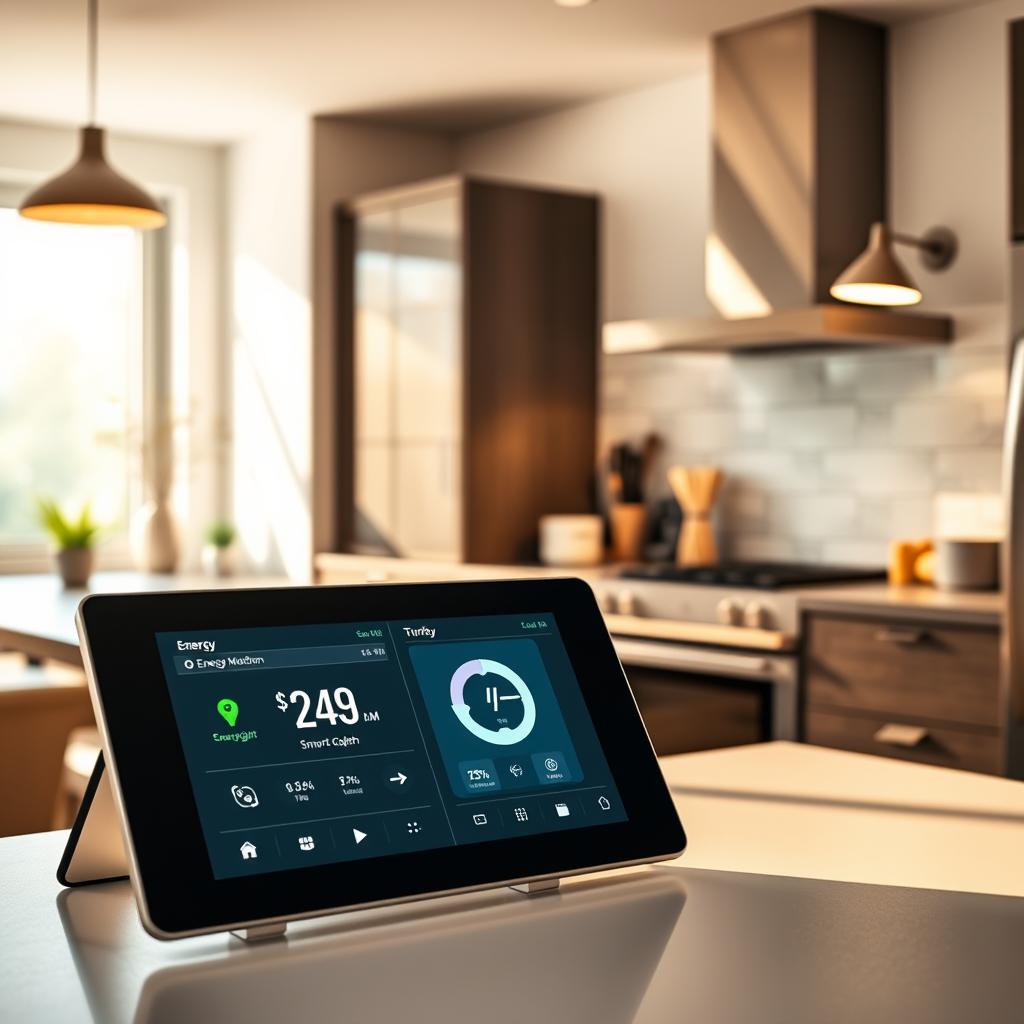
I still remember the first time I saw our meter jump during a dinner party. It felt like money slipping through a crack I couldn’t find. That moment pushed me to learn how household loads behave and to build tools that give clear answers.
Our approach shows where power goes in the kitchen and through the rest of the house. We move from big-picture information to practical steps that cut costs and raise comfort. With an energy monitor, you can spot always-on loads, shift usage, and see real-time cost views.
I’ll explain what these devices do, the insights they unlock, and how to compare options in minutes. Devices range from budget models like Emporia (about $99.99–$199.99) to mid-tier picks like Sense (~$300) and higher-end Wiser systems (listed above $330).
Follow a simple path: assess your home, pick features you need, install safely, then track and optimize. For curated product picks and design-minded guidance, visit https://zovehomes.com/kitchen/ to continue exploring.
Key Takeaways
- Install an energy monitor to turn vague bills into clear insights.
- Compare models by price, detection level, and app features.
- Real-time data helps shift usage and lower monthly costs.
- Kitchen loads like fridges and ovens have unique patterns to watch.
- Pair monitors with smart plugs and lighting for better efficiency.
Why U.S. homeowners are turning to smart monitoring to cut kitchen energy costs
Rising utility bills and unpredictable peak hours have pushed many homeowners to look closer at what their houses actually use.
Utility statements often list only total kilowatt-hours and a lump-sum cost. That leaves out which appliance is driving the bill and when the house draws most electricity.
Home energy monitors surface appliance-level information so families spot heavy users, phantom draws, and the best time of day to run dishwashers or ovens under TOU rates.
Real-world results matter: studies and vendor reports show average reductions near 7% and up to 15% when homeowners change behavior or fix problem devices. Sense users report roughly an 8% bill drop.
- Find overnight fridge cycling or inefficient elements.
- Shift dishwasher and oven use to lower-cost periods.
- Receive alerts for abnormal appliance behavior to save repair money.
We recommend pairing an energy monitor with LED upgrades and ENERGY STAR appliances to multiply savings. For quick product guidance and planning, see our curated picks at curated picks or read more about practical house solutions in this guide: how smart home tech improves efficiency.
What is smart kitchen energy monitoring?
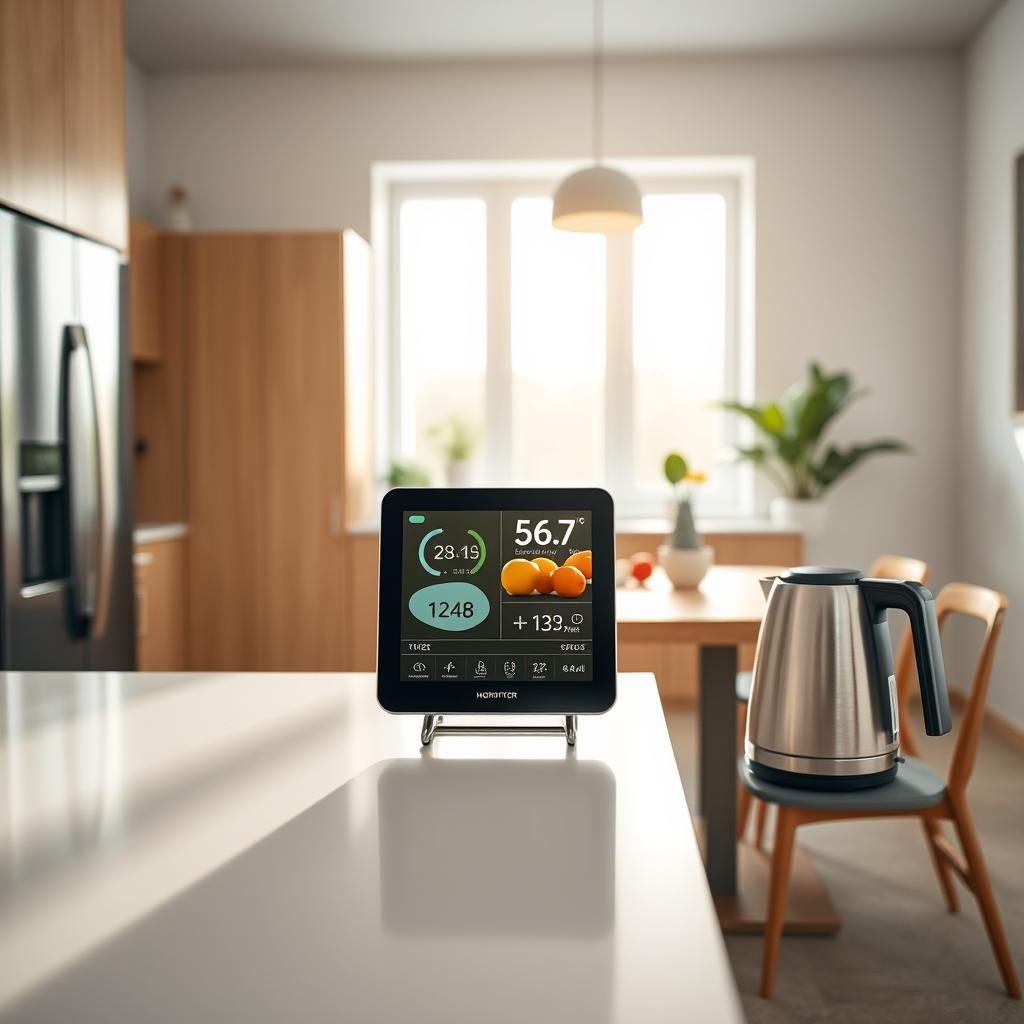
When you can watch devices turn on and off, vague bills become clear choices.
At its core, this category pairs hardware at or near your breaker box with an app that translates electrical current into simple appliance-level information. An energy monitor either reads service mains and infers devices via AI or attaches to individual circuits for room-by-room clarity.
In a cooking area, that means seeing a fridge’s baseline draw, dishwasher cycles, and oven preheat spikes. Core features include live usage views, historical consumption graphs, cost overlays, and alerts for unusual or always-on behavior.
- Whole-home systems infer device signatures and improve recognition over weeks.
- Circuit-level setups let you label breakers (e.g., “Range,” “Dishwasher”) for instant clarity.
- Smart panels combine monitoring with deeper control, useful for large spaces or all-electric homes.
The result is clearer information and confident decisions about upgrades, habits, or automations that lower bills. For product guidance and design-minded picks, see our curated options at smart kitchen technology ideas.
How these systems track energy usage in real time
Modern systems sample electrical current and translate it into clear, real-time data you can act on. We explain how whole-home snapshots, labeled circuit feeds, and device recognition work together so you choose the right visibility for your goals.
Whole-home setups use CT clamps on the service mains to watch total draw. The system records patterns and uses machine learning to match signatures to common devices. That process can take weeks before recognition becomes reliable.
Circuit-level sensors attach to individual breakers. They give labeled channels—like “Range” or “Dishwasher”—so you get guaranteed clarity where it matters most.
- Appliance recognition relies on pattern analysis and works best for large, distinct devices.
- Smart panels bundle circuit sensors into one enclosure for cleaner installation and full-panel oversight.
- Real-time sampling converts current measurements into graphs, alerts, and actionable tracking.
Put simply, the right mix of clamps, sensors, and software yields the most reliable home energy insights. As you plan a remodel or select a system, we’ll help you map which circuits to instrument first. For detailed product examples and setup guides, visit our resource hub at https://zovehomes.com/kitchen/.
Features to compare before you buy

We start with a short checklist so you buy features that matter in daily use.
AI appliance recognition can identify large loads by their device signatures, but it may take weeks or months to learn. Expect imperfect detection for small countertop devices. Circuit-level channels fill that gap by labeling breakers for instant clarity.
Real-time cost and TOU tracking
Look for systems that accept your utility’s TOU rates so the app shows cost by the hour. Real-time energy usage with a cost overlay helps you shift heavy tasks to cheaper times of day.
Apps, alerts, and abnormal behavior warnings
Choose apps that surface clear timelines and push notifications for spikes, long cycles, or always-on draws. Those warnings translate into faster repairs and lower monthly costs.
Solar-ready monitoring and data granularity
If you have solar, pick hardware that adds extra sensors to track generation and compare it to consumption for better daytime use under changing solar net metering rules.
- Accurate fridge and dishwasher detection, meaningful alerts, and trend reporting.
- AI works best for large loads; use extra channels for small devices.
- Per-second or per-minute logging, exportable reports, and long-term consumption tracking.
- Confirm the system supports extra sensors or smart plugs for countertop appliances.
For curated picks and design-forward solutions that match these features with your plans, browse our recommendations at https://zovehomes.com/kitchen/.
Top home energy monitor options for kitchens
Choosing the right energy monitor depends on what you want to see and how much you plan to spend. We lay out practical options, the expected costs, and the design-friendly fits that work in most U.S. homes.
Sense (~$300) — Best for whole-house device detection. Sense uses robust machine learning to find big devices and offers app alerts and broad integrations. It’s a strong option if you want appliance-level insight without wiring lots of circuits.
Schneider Electric Wiser (>$330) — Wiser brings the same detection focus through a trusted electrical brand. The Wiser app adds goals and recommendations, making it a good pick if you prefer an established ecosystem and pro-grade fit and finish.
Emporia Vue 3 ($99.99–$199.99) — Budget-friendly, focused on circuit-level clarity. Vue kits support up to sixteen 50A sensors so you can label “Range,” “Dishwasher,” and “Fridge” channels for instant attribution. Extra sensors give more named circuits and fine-grained data.
Other options (Eyedro ~ $150) — Simple, reliable choice for basic visibility and solar comparisons. Eyedro works well where detailed device discovery isn’t needed but circuit-level readings and exportable data matter.
- Sense for device discovery and integrations.
- Wiser for brand-backed software and recommendations.
- Vue 3 for the best circuit-level visibility at a low cost.
- Eyedro when solar tracking and solid basics are your priority.
Consider panel access, whether you need extra sensors, and total installation costs so the chosen option fits your cooking area and lifestyle. For curated picks and setup guidance, explore our recommendations at https://zovehomes.com/kitchen/.
Match the monitor to your home, kitchen, and appliances
Think about where you want clarity first: a single appliance, the whole panel, or both. That choice shapes the type of system you pick and the cost you’ll see.
Small kitchens, renters, and smart plug strategies
For compact spaces or rental homes, start simple. Use smart plugs for countertop devices and a budget monitor that avoids major panel work.
This lets you get device-level data fast and spend little money while you learn usage patterns.
Larger homes, EV chargers, heat pumps, and circuit-level needs
If your house has an EV charger or a heat pump, multi-channel, circuit level sensors help separate big draws from kitchen loads. Homeowners often choose circuit-level systems to label “Range,” “Dishwasher,” and “Fridge” without waiting for AI.
Refrigerators, ovens, dishwashers: identifying heavy kitchen loads
- Fridges show steady baseline draws; track defrost cycles to spot issues.
- Ovens and dishwashers cause spikes; schedule them to off-peak hours.
- Entertainers can batch cooking and dishwashing to save money and simplify use.
We recommend reviewing design-fit options and tailored recommendations at https://zovehomes.com/kitchen/ to match systems to your home and get practical insights before you buy.
Costs, savings, and ROI: what to expect in the United States today
We often get asked: how long until these systems actually pay for themselves in a typical U.S. home?
Typical device costs and installation considerations
Most monitors cost $300 or less. Sense runs near $300, Schneider Electric often lists above $330, and Emporia Vue 3 ranges from $99.99 to $199.99.
Professional installation is advised for any panel work. A licensed electrician adds modest costs but ensures safe, code-compliant wiring and faster setup.
Documented savings: 7–15% usage reductions and bill impacts
Studies show average savings near 7% and up to 15%; Sense cites roughly 8% bill reductions. Real-time visibility and clear data let you shift appliance use and stop phantom draws.
- Upfront device costs plus electrician fees versus monthly savings.
- ROI depends on utility rates, house size, and cooking frequency.
- Homes with solar can accelerate payback by aligning daytime use with production.
For brand comparisons and next steps to turn information into action, compare products at https://zovehomes.com/kitchen/.
Installation and safety: DIY vs. electrician, and smart panels
Before you touch a breaker, understand where DIY ends and professional help begins. Many monitors advertise easy installs, but work inside a live panel or on service mains carries serious shock hazards.
If your plan requires CT clamps on the mains or wiring sensors to breakers, hire a licensed electrician. A pro will mount sensors neatly, confirm breaker capacity, and label circuits so the system delivers reliable information.
- An electrician ensures code-compliant wiring and safe cable routing.
- Pros reduce fault risk and speed up setup, often in a single visit.
- Smart panels with built-in circuit sensors simplify installs but cost more up front.
We recommend discussing placement for the gateway, Wi‑Fi reach to the panel, and future additions like extra sensors or smart plugs. Ask your electrician about expected timelines and how to optimize accuracy so your house gets dependable readings from day one.
Integrations that supercharge kitchen energy efficiency
A layered setup of plugs, thermostats, and lighting can transform how a home uses electricity. We focus on integrations that turn raw data into actionable automation and calm routines.
Smart plugs, thermostats, lighting, and appliance automations
Smart plugs and labeled circuits let you control small appliances and remove phantom draws without rewiring. Paired with compatible thermostats, ventilation runtimes shorten after busy cook sessions, keeping comfort high and waste low.
Lighting scenes use presence and ambient light to cut unnecessary wattage while keeping task areas safe and bright. Apps can mute nonessential loads and schedule dishwashers or laundry around your routine.
Using TOU schedules and solar production to time appliance use
Many monitors accept TOU inputs so you see cost by the hour and shift heavy tasks to cheaper times. If you have PV, solar-ready systems add clamps for production tracking and help you run appliances during midday generation under changing solar net metering rules.
- Map the ecosystem: plugs for countertop items, app automations for dishwashers, scenes for lighting.
- TOU-aware schedules run ovens and washers at the best time without changing habits.
- Pair production data with home energy insights to maximize on-site solar use during the day.
- Simple automations—like disabling always-on outlets overnight—lower baseline usage with no hassle.
These targeted integrations multiply the value of your monitor’s insights and make daily life easier. For design-forward products and practical setups, explore our curated options at https://zovehomes.com/kitchen/.
Step-by-step: start monitoring energy in your kitchen today
Start small: a brief audit of what draws the most power lets you fix the biggest leaks first. List major loads and note when they run each day.
Audit, choose features, pick a monitor
Audit your room: fridge, range/oven, dishwasher, microwave, and any smart plugs for small appliances.
Choose the features that fit your goals—AI detection or labeled circuits, TOU cost overlays, solar readiness, and exportable reports.
Install, track, optimize
- Pick an energy monitor sized for your panel and desired visibility.
- Plan installation with a licensed electrician for mains clamps or breaker sensors.
- Configure the app: enter utility rates, enable alerts, and confirm detected channels match layout.
- Begin to monitor energy usage daily and watch real-time energy usage during cooking and cleaning.
- Use energy consumption tracking to shift dishwasher runs, tweak fridge temps, and refine lighting schedules.
- Revisit after 30 days, compare reports, and lock in habits that drive measurable savings.
Explore options and get started: visit https://zovehomes.com/kitchen/ to view curated picks and begin your project today.
Conclusion
A clear readout of usage turns guessing into practical action in days. With an energy monitor, you can see how much electricity your room actually draws and begin fixes fast. Studies show typical reductions near 7% and up to 15%, with Sense reporting about an 8% drop.
Whether you choose whole‑home ML detection or circuit level CTs, the result is the same: visible consumption and better choices. Combine monitoring with simple upgrades—LEDs, schedules, and timed automations—to multiply gains.
For design-forward picks, price ranges, and setup guidance, explore curated solutions and take the next step at https://zovehomes.com/kitchen/. We’ll help you turn information into lasting home energy improvements.